Autumn 2 week 7
15 Dec 2023
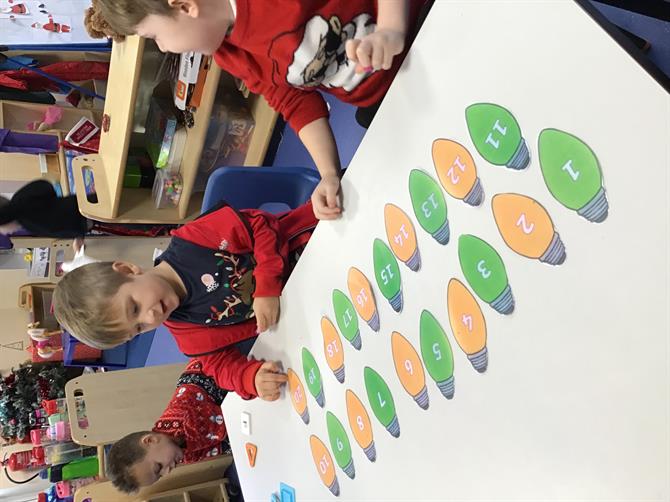
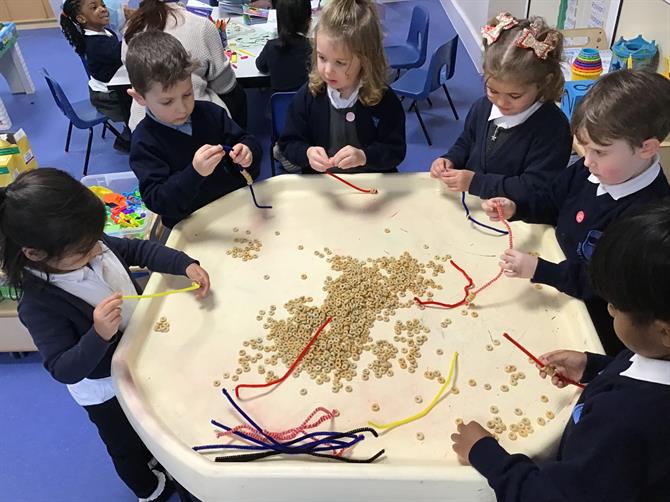
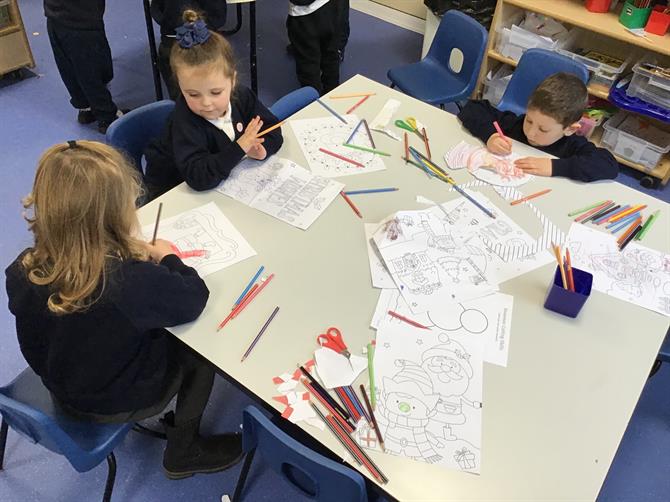
It has been a very Christmassy week in nursery. We have looked at the story of the Nativity and made our own donkeys. In maths, the children have been busy making christmas trees using strips of paper and ordering the lengths. There have been various art challenges including making and writing in our christmas cards.
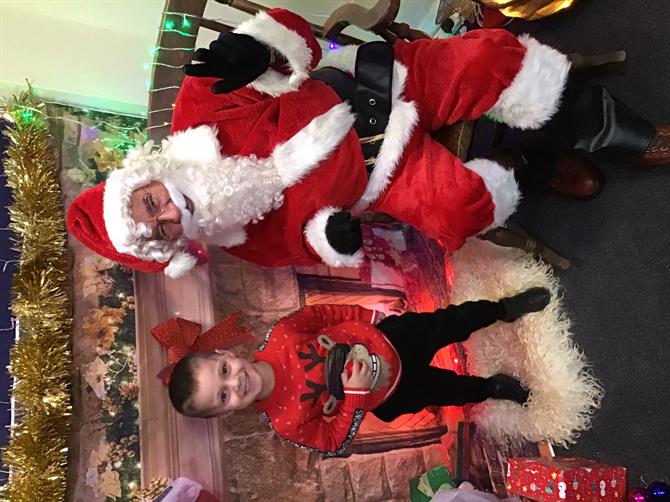
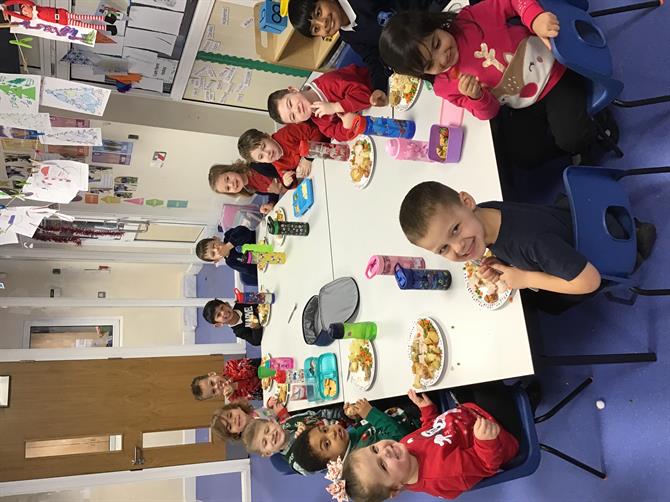
On Tuesday, we had a visit from Santa and received a present from him. We also had a wonderful Christmas dinner. On Wednesday and Thursday, the children were very brave and performed in the Nativity with the reception classes. They sang beautifully and we were very proud of them. Thank you for coming along, we hope jyou enjoyed it as much as we did.
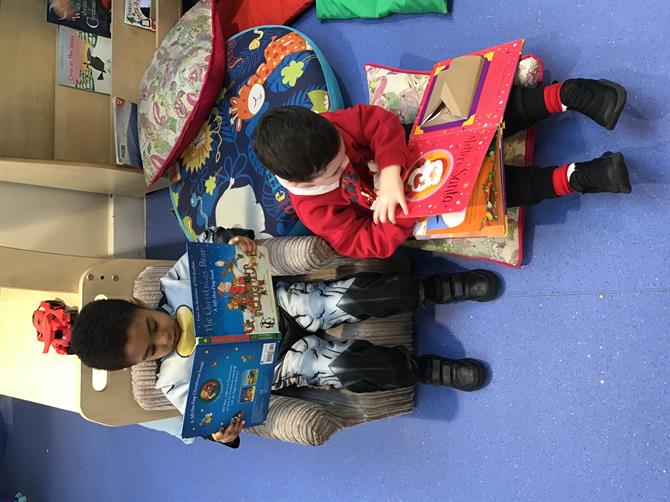
Thank you for your continued support with reading at home and bringing in any extra work that the children do. It is always a pleasure to praise children who have tried hard with the homework challenges and they love to show us what they have
been up to. Only two more days until the Christmas break and we hope you have a wonderful Christmas with your families.
We are back at school on Thursday 4th January.
Merry Christmas and a Happy New Year!
From the Nursery Team