17/4/26
Miss Pillai - 17 Apr 2026
Well done year 4 for completing the first week back!
In English, we have started learning how to write a setting description. We have looked at a WAGOLL, learnt how to use similes and fronted adverbials in our writing.
In shared reading, we have started reading our new book ' The Secrets Of A Sun King'. We have focussed on our prediction skills using the front cover and blurb. We have also use our retrieval and inference skills this week.
In Maths, we have started learning about money. We learnt how to write money using decimals, convert between pennies and pounds, compare amounts of money and estimate money.
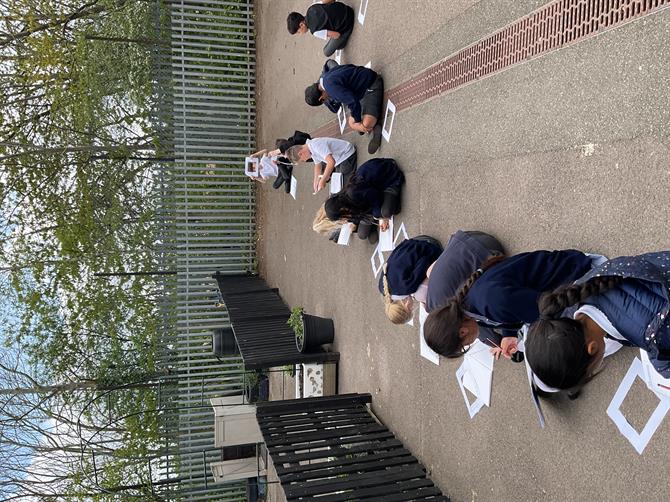
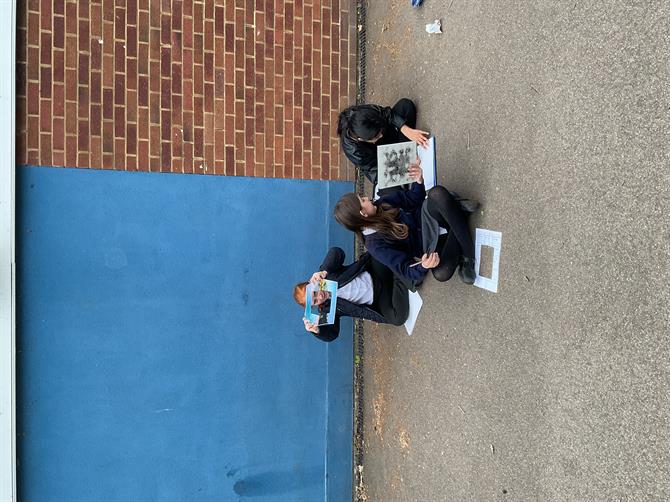
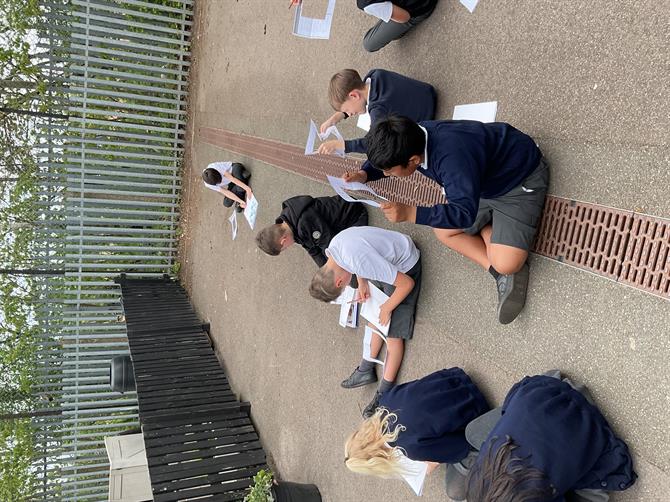
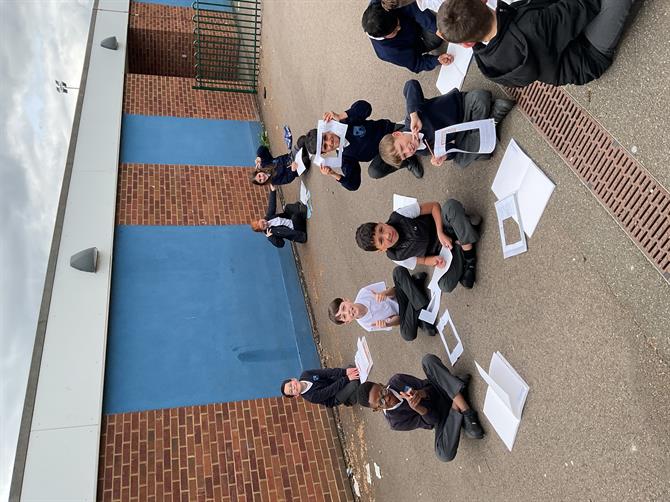
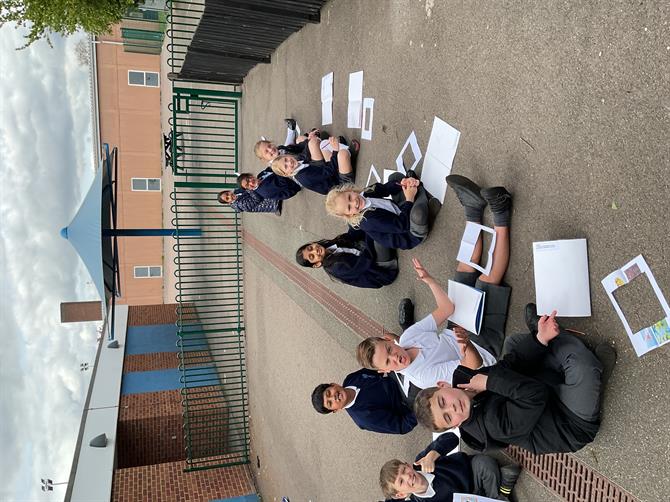
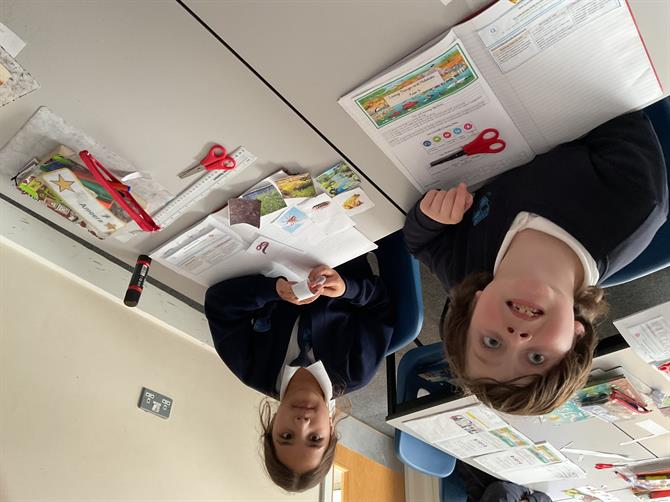
In Art, the children created beautiful landscape drawings using a viewfinder they created!
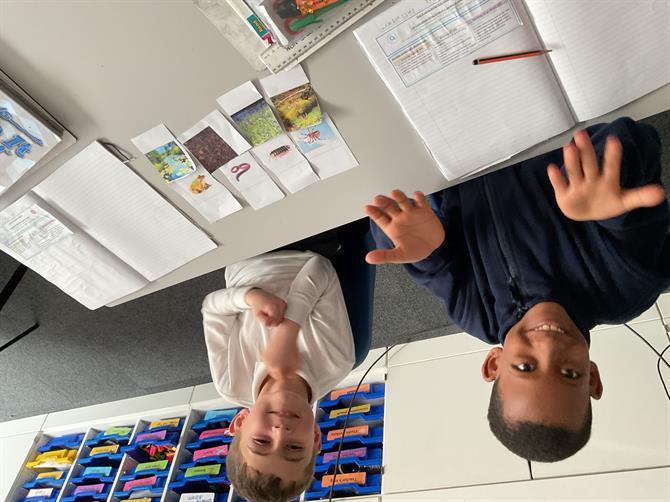
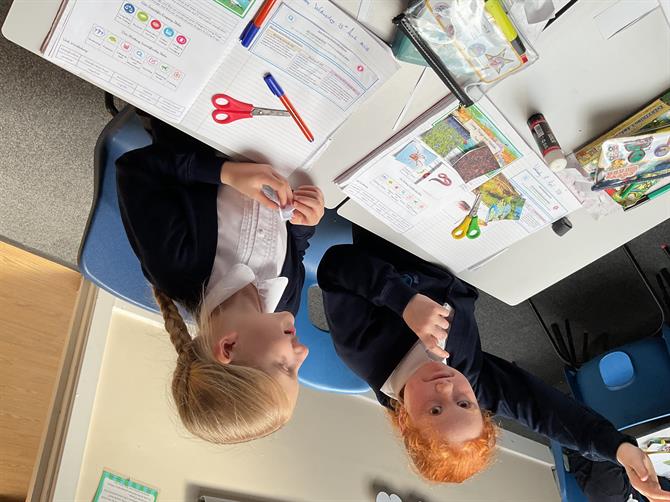
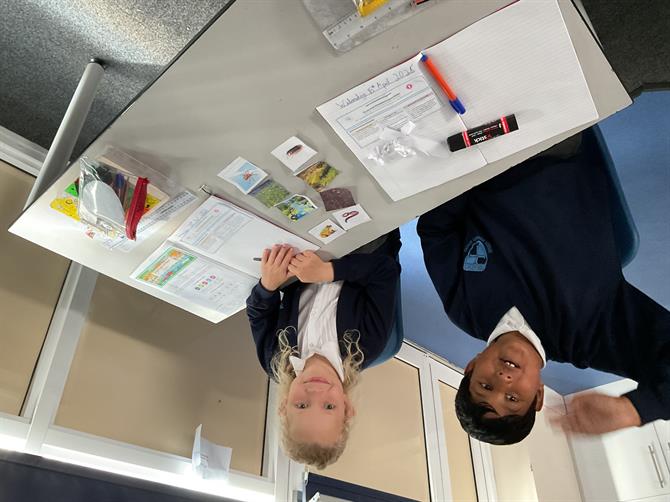
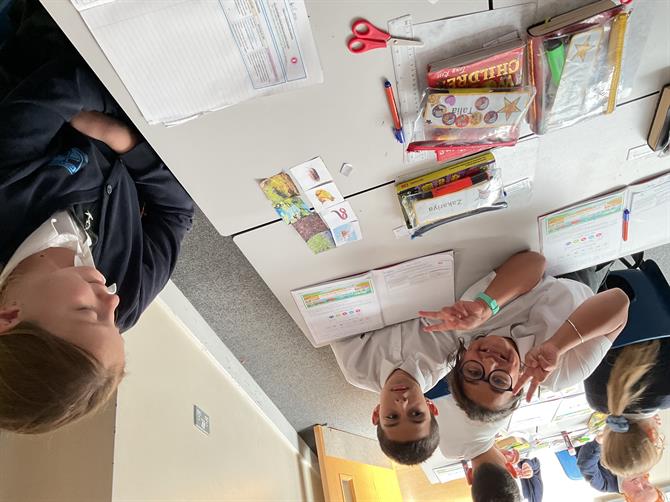
In science we have started learning about living things and their habitats. We looked at different ways to group animals based on their characteristics.
We have also had some lovely visitors come in for careers week!
The children have been given homework to bring back next Friday!
The children have also been given log ins for language angles in their reading records to practice French at home!
https://languageangels.com/login
As always, please ensure your child is reading and going on TTRS 5 times a week.
Have a lovely weekend!
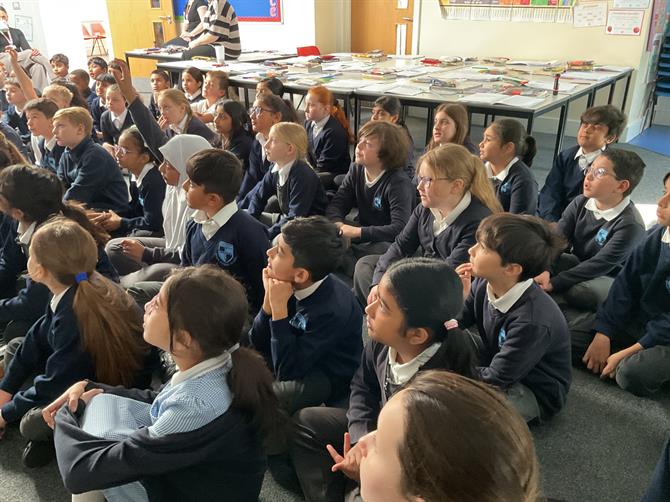
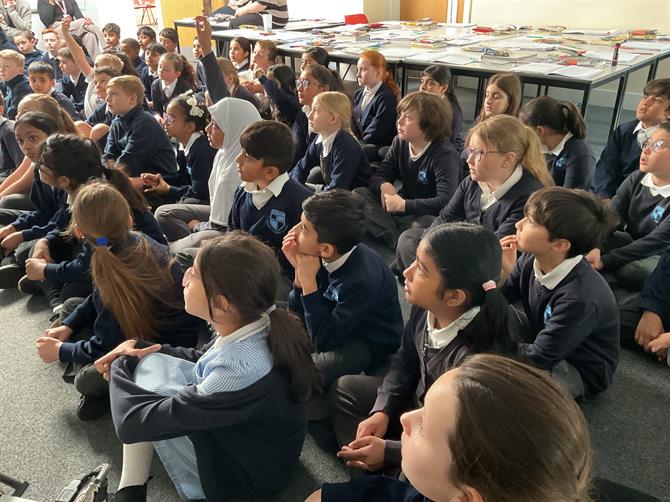
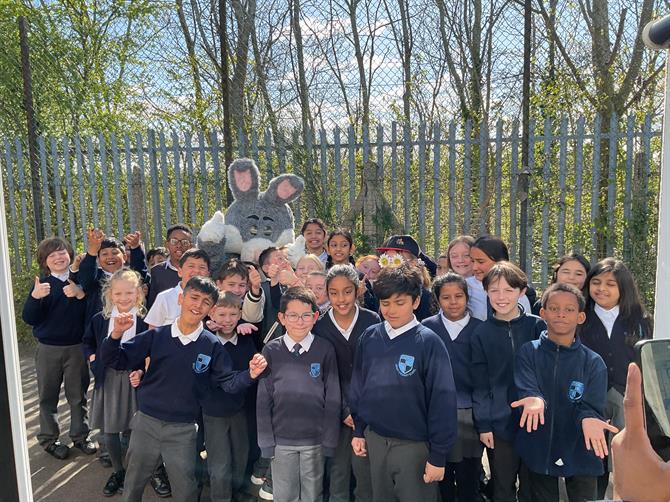
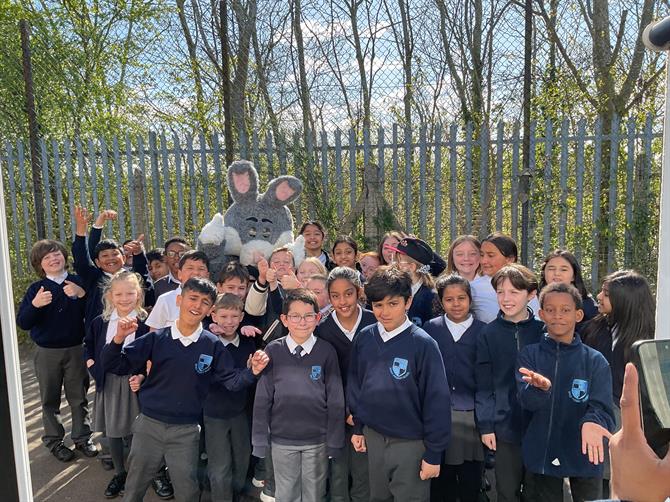
Easter bunny pics from last term :)