Reception B - Miss Booth Class News

Class News
Latest articles
Spring 1 week 2Miss Skelton & Miss Booth16 Jan 2026 Spring 1 Week 1Miss Skelton and Miss Booth09 Jan 2026 Autumn 2 Week 7Miss Skelton19 Dec 2025 Autumn 2 week 6Miss Skelton and Miss Booth12 Dec 2025 Reception Autumn 2 Week 5Miss Skelton and Miss Booth05 Dec 2025 Reception Autumn 2 Week 4Miss Skelton and Miss Booth28 Nov 2025 Reception Autumn Week 3Miss Booth Miss Skelton21 Nov 2025 Reception Autumn 2 Week 2Miss Booth Miss Skelton14 Nov 2025 Reception Autumn 1 Week 8Miss Booth and Miss Skelton24 Oct 2025 Autumn 1 Week 7Miss Booth Miss Skelton17 Oct 2025 Reception Autumn 1 Week 6Miss Booth10 Oct 2025 Reception Autumn 1 Week 5Miss Booth and Miss Skelton03 Oct 2025 Reception Autumn 1 Week 4The Reception Team26 Sep 2025 Reception Autumn 1 Week 3Miss Booth and Miss Skelton19 Sep 2025 Reception Autumn 1 Week 2Miss Booth and Miss Skelton12 Sep 2025
Archive
Articles 2024-25 Articles 2023-24 Articles 2022-23 Articles 2021-22 Articles 2020-21 Articles 2019-20

Cedar & Acorn Class Week 3

23 Oct 2020

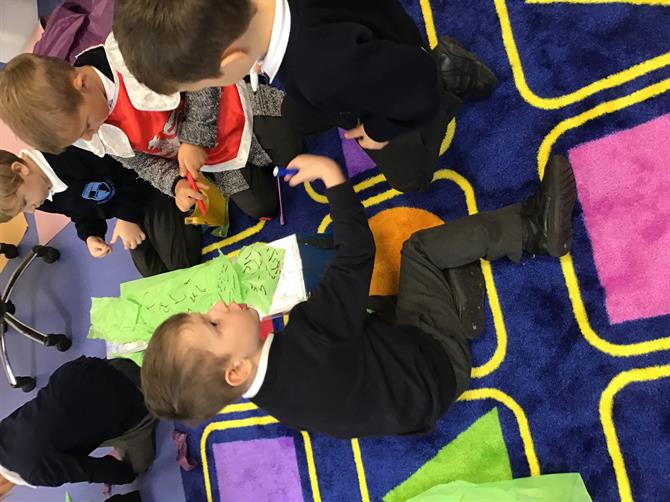
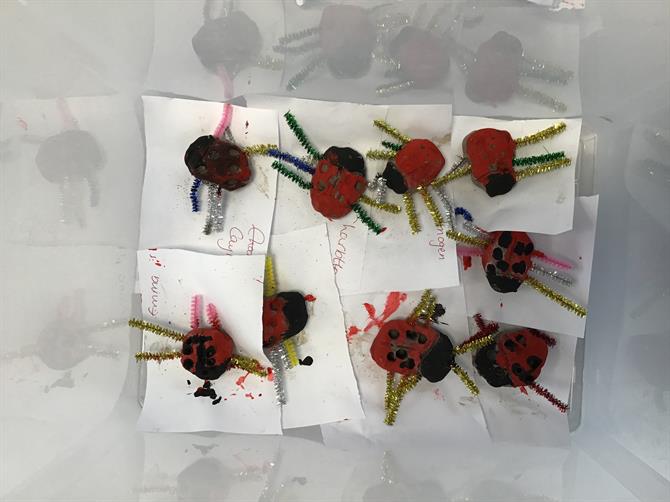
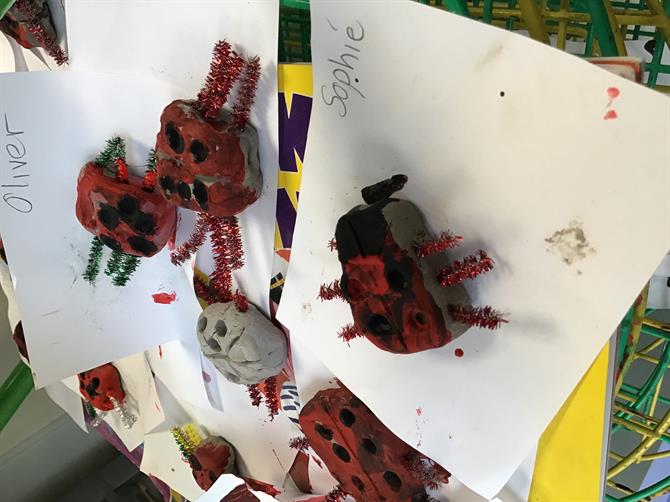
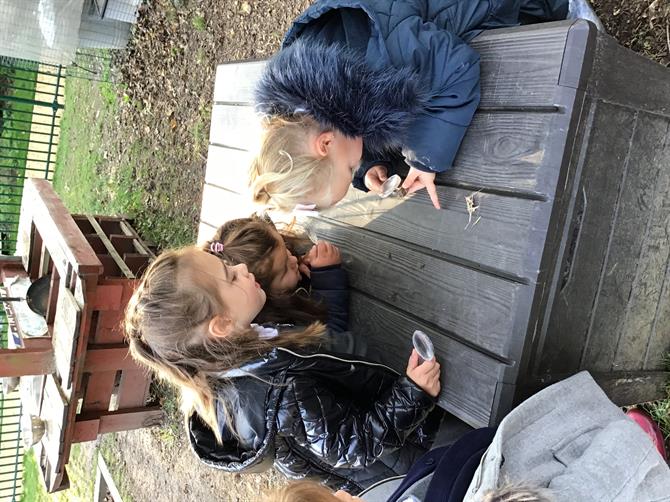
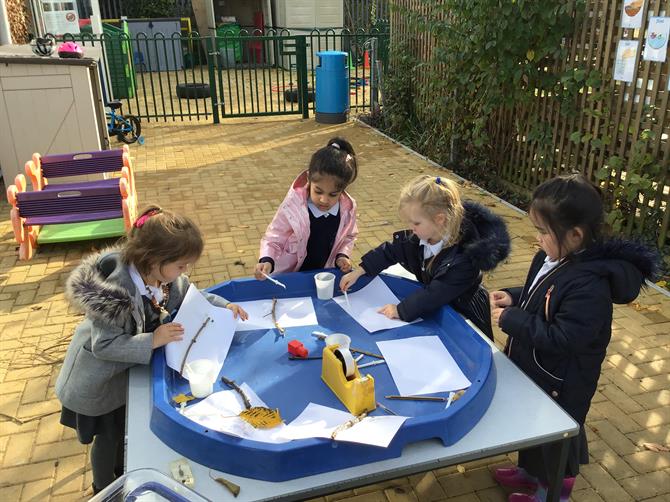
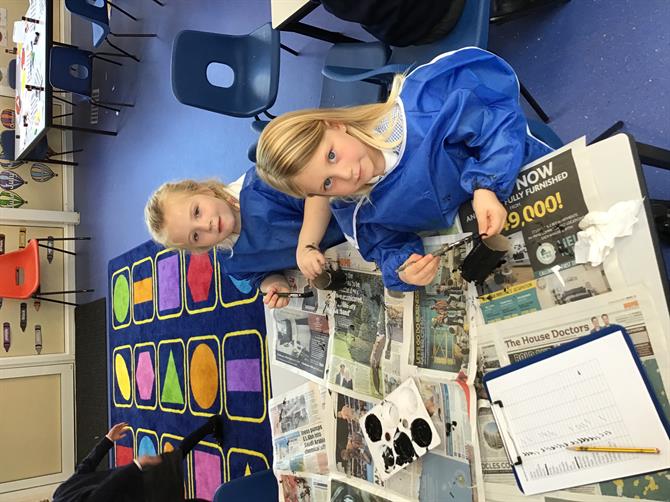
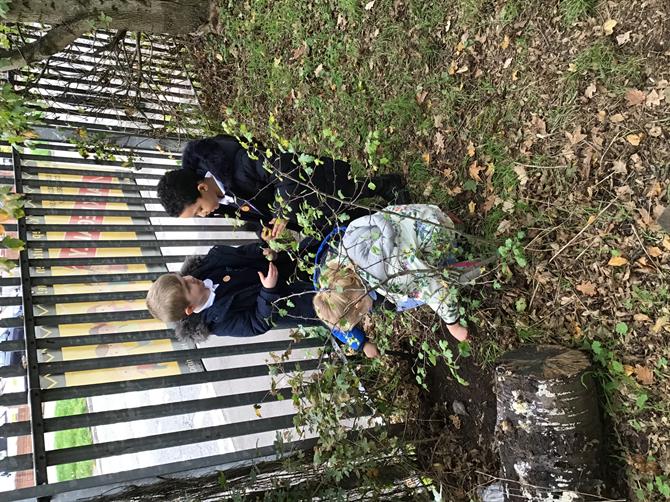
What a busy week we've had in Reception this week. We have been reading Superworm and learning about minibeasts. We've made clay ladybirds, toilet roll spiders and glittery spider's webs. We have been minibeast hunting in the garden and building bug houses to go in our bug hotels. We have learnt the names of lots of minibeasts and have practiced drawing them too. 

We have been learning what more and less means and putting this to practice. We have been using our number and counting skills to add spiders onto their webs and helping us recognise our numbers. 

Please have a look on Seesaw for homework for you to complete over half term with your children. 

We hope you have a lovely & restful half term and look forward to seeing you back at school on 2nd Novemver 2020

x


Please wait

Wennington Road
Rainham
Essex
RM13 9XA
Great Britain
Copyright © 2026   Brady Primary School
Website Design & Development for Schools By VisioSoft   |   T&C
User Guide   463  


Selct an hour and a minute and then click on Set Time

Selected Time:  _:_

Hours
Minutes
 
Set Time
CLOSE