Reception B - Miss Booth Class News

Class News
Latest articles
Spring 1 Week 1Miss Skelton and Miss Booth09 Jan 2026 Autumn 2 Week 7Miss Skelton19 Dec 2025 Autumn 2 week 6Miss Skelton and Miss Booth12 Dec 2025 Reception Autumn 2 Week 5Miss Skelton and Miss Booth05 Dec 2025 Reception Autumn 2 Week 4Miss Skelton and Miss Booth28 Nov 2025 Reception Autumn Week 3Miss Booth Miss Skelton21 Nov 2025 Reception Autumn 2 Week 2Miss Booth Miss Skelton14 Nov 2025 Reception Autumn 1 Week 8Miss Booth and Miss Skelton24 Oct 2025 Autumn 1 Week 7Miss Booth Miss Skelton17 Oct 2025 Reception Autumn 1 Week 6Miss Booth10 Oct 2025 Reception Autumn 1 Week 5Miss Booth and Miss Skelton03 Oct 2025 Reception Autumn 1 Week 4The Reception Team26 Sep 2025 Reception Autumn 1 Week 3Miss Booth and Miss Skelton19 Sep 2025 Reception Autumn 1 Week 2Miss Booth and Miss Skelton12 Sep 2025
Archive
Articles 2024-25 Articles 2023-24 Articles 2022-23 Articles 2021-22 Articles 2020-21 Articles 2019-20
( LOGIN to comment on this article. )

Reception Aut 2 Week 4

Mrs Divall - 23 Nov 2022

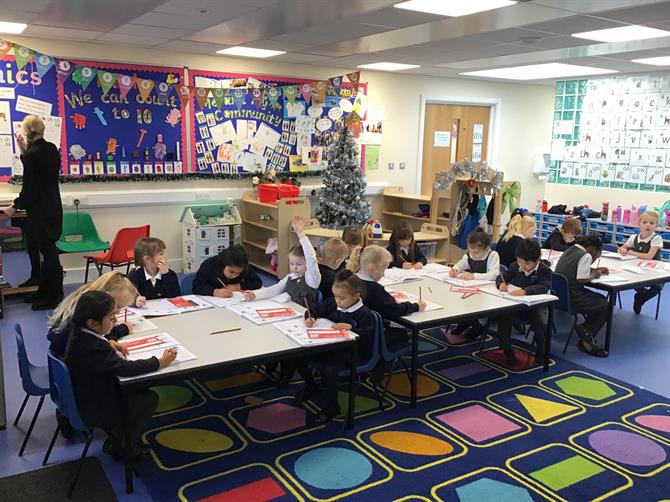
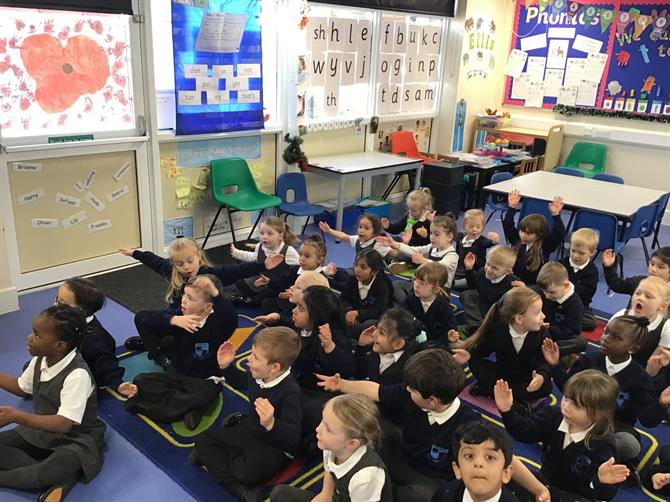
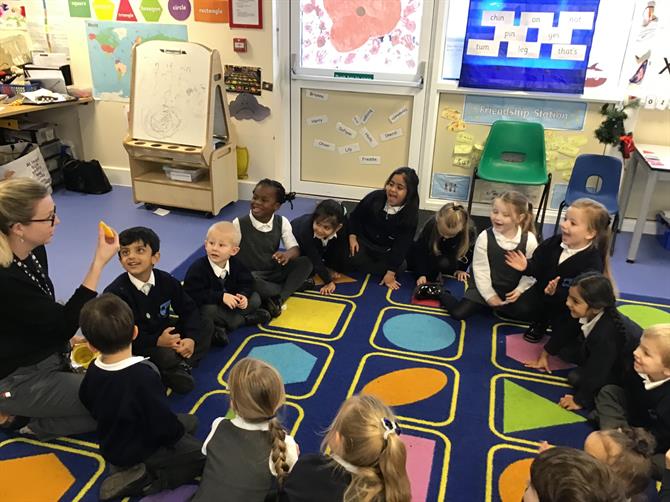
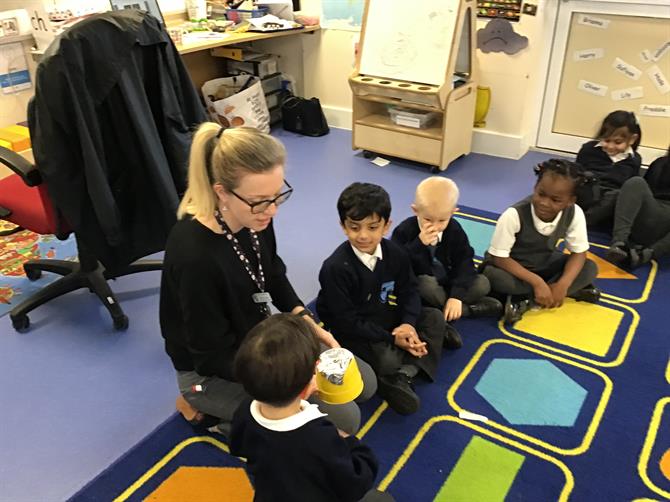
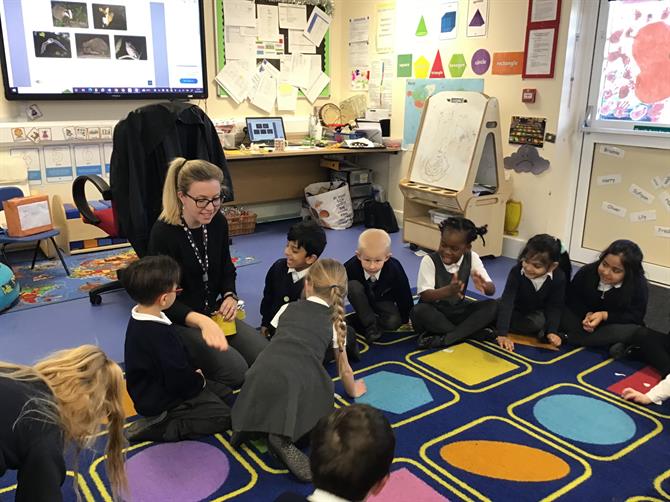
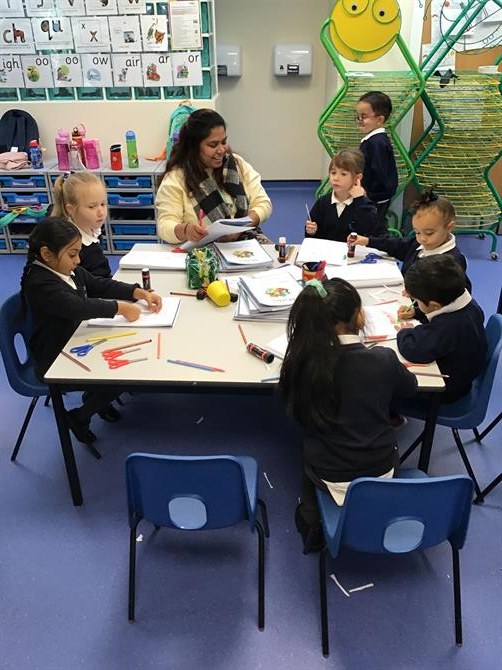
This week we have been having so much fun with our learning!

We have learnt about nocturnal animals.  We are now bat experts and most of us can even explain how bats use echos so that they don't bump into things!  We have been pretending to be foxes and badgers, using our sense of smell to identify food hidden in "smell pots".  

Our new phonics groups are going so well - make sure you sheck your child's reading record for information about their new reading book day change.  You child will have different phonics homework to practise depending on their group so look out for that letter on Fridays!

In maths we have been learning about 4 and 5.  How to compose them (2+2 3+1 etc) , to count carefully one item at a time and to write the numerals. 


COMMENTS
( LOGIN to comment on this article. )
No comments.


Please wait

Wennington Road
Rainham
Essex
RM13 9XA
Great Britain
Copyright © 2026   Brady Primary School
Website Design & Development for Schools By VisioSoft   |   T&C
User Guide   224  


Selct an hour and a minute and then click on Set Time

Selected Time:  _:_

Hours
Minutes
 
Set Time
CLOSE