Reception B - Miss Booth Class News

Class News
Latest articles
Spring 1 Week 1Miss Skelton and Miss Booth09 Jan 2026 Autumn 2 Week 7Miss Skelton19 Dec 2025 Autumn 2 week 6Miss Skelton and Miss Booth12 Dec 2025 Reception Autumn 2 Week 5Miss Skelton and Miss Booth05 Dec 2025 Reception Autumn 2 Week 4Miss Skelton and Miss Booth28 Nov 2025 Reception Autumn Week 3Miss Booth Miss Skelton21 Nov 2025 Reception Autumn 2 Week 2Miss Booth Miss Skelton14 Nov 2025 Reception Autumn 1 Week 8Miss Booth and Miss Skelton24 Oct 2025 Autumn 1 Week 7Miss Booth Miss Skelton17 Oct 2025 Reception Autumn 1 Week 6Miss Booth10 Oct 2025 Reception Autumn 1 Week 5Miss Booth and Miss Skelton03 Oct 2025 Reception Autumn 1 Week 4The Reception Team26 Sep 2025 Reception Autumn 1 Week 3Miss Booth and Miss Skelton19 Sep 2025 Reception Autumn 1 Week 2Miss Booth and Miss Skelton12 Sep 2025
Archive
Articles 2024-25 Articles 2023-24 Articles 2022-23 Articles 2021-22 Articles 2020-21 Articles 2019-20

Aut 1 Week 2- RD

21 Sep 2021

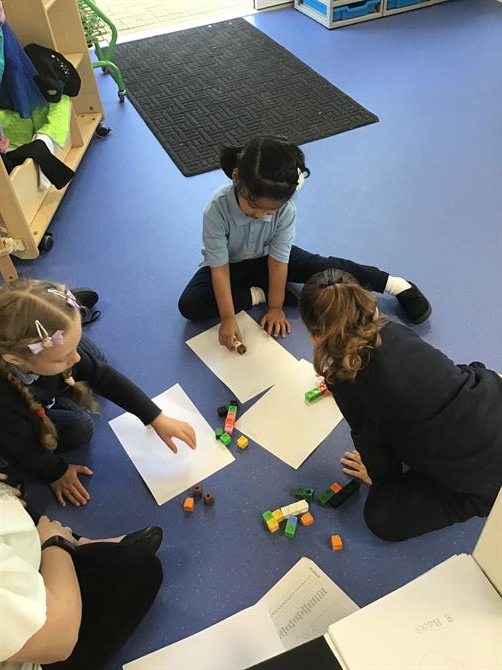
This week was our first full week in Reception and the children were brilliant. In maths, we spoke about our routines of the day and spent lots of time ordering events such as home time, lunch time and carpet time. 

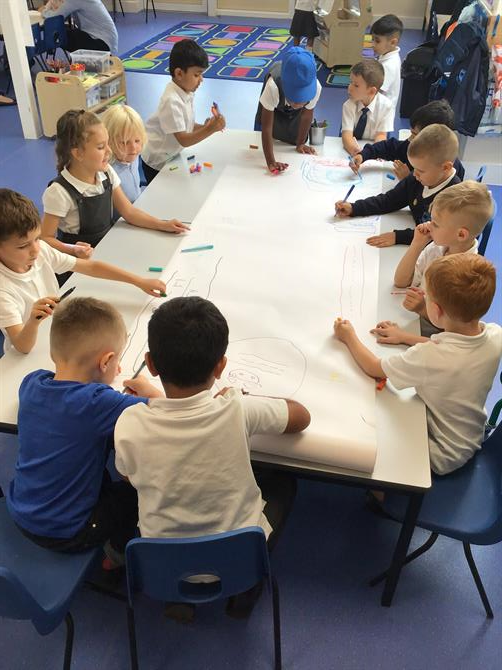
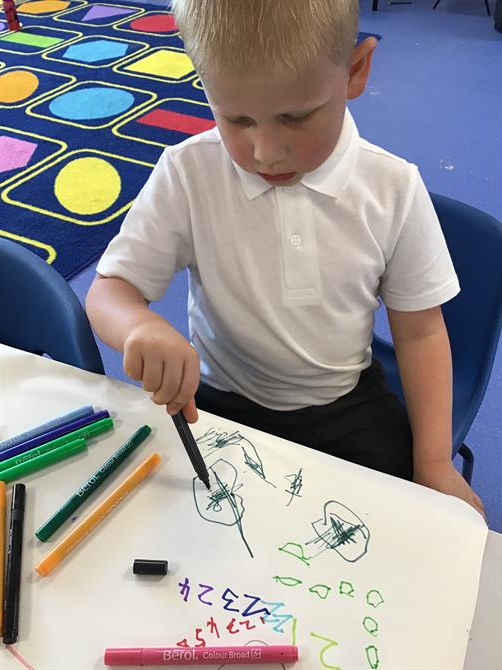
We have enjoyed mark making with our friends and we even created a giant collage of places we see in our community such as shops, our school, Tesco and the park. 

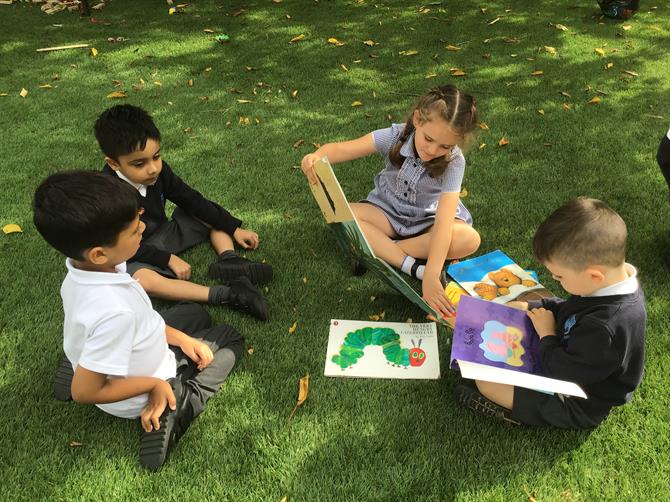
We have been practicing our rhythms, alliteration and rhyming pairs.

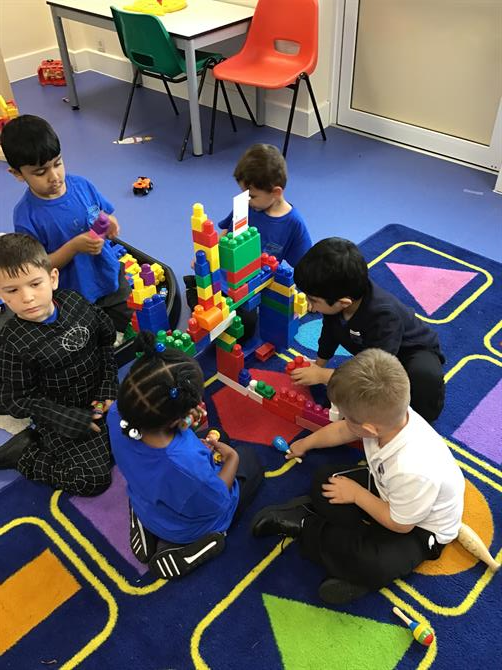
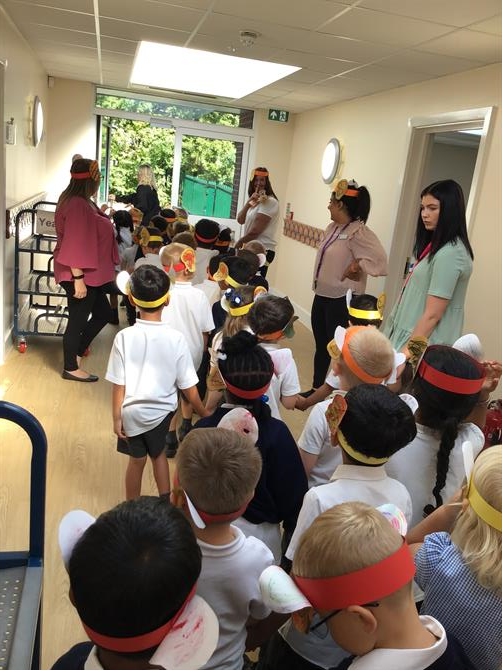
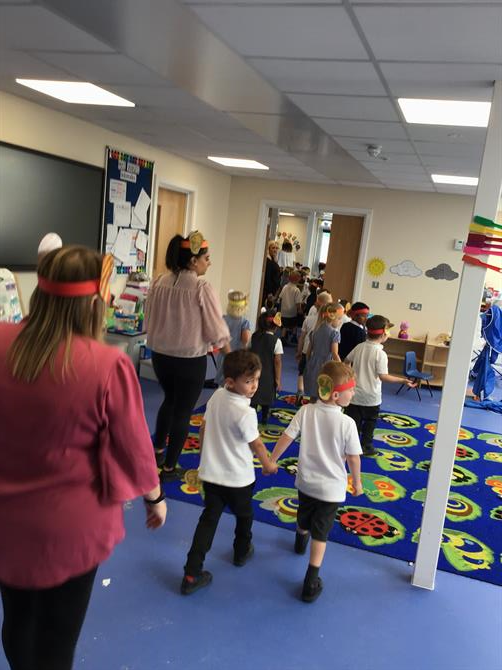
The children are beginning to form friendships with each other and the transition for this week has blown us away :). We went for a walk around the school and the children loved learning where to find different places such as the lunch hall, library and school office.

Don't forget- every Tuesday is PE so your child needs to come into school with their PE kit on. 

The Reception Team x


Please wait

Wennington Road
Rainham
Essex
RM13 9XA
Great Britain
Copyright © 2026   Brady Primary School
Website Design & Development for Schools By VisioSoft   |   T&C
User Guide   228  


Selct an hour and a minute and then click on Set Time

Selected Time:  _:_

Hours
Minutes
 
Set Time
CLOSE