13/2/26
Miss Stevens - 13 Feb 2026
Well done year 4 for completing spring 1 term!
This week has been a busy week!
In maths, we have finished our fractions topic. We learnt how to Add two or more fractions, add fractions and mixed numbers, subtract two fractions, subtract from whole amounts, Subtract from mixed numbers.
In English we have finished our final draft of a diary entry! The children have written amazing diary entries, and we are all very proud!
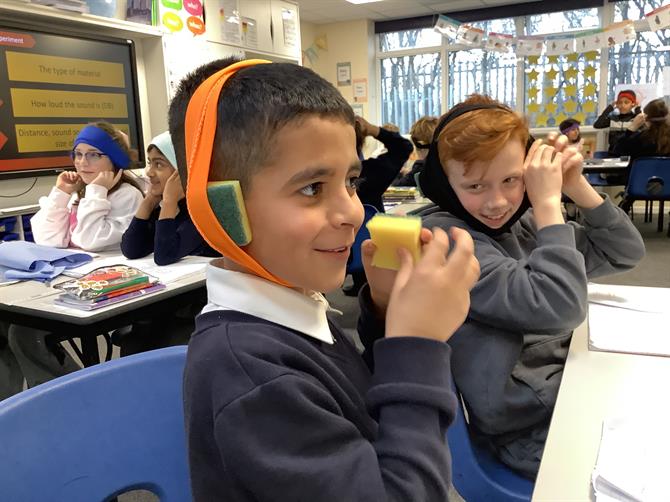
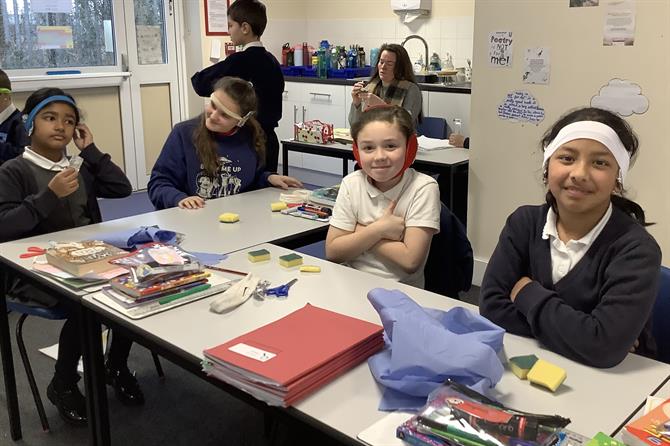
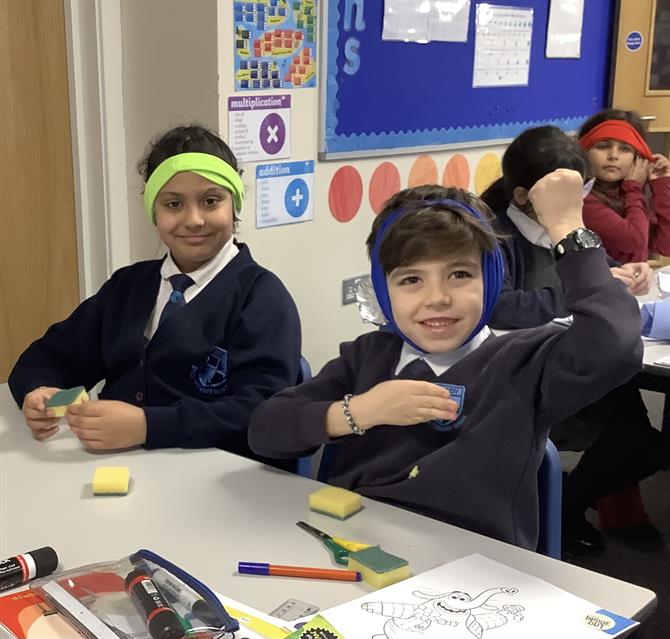
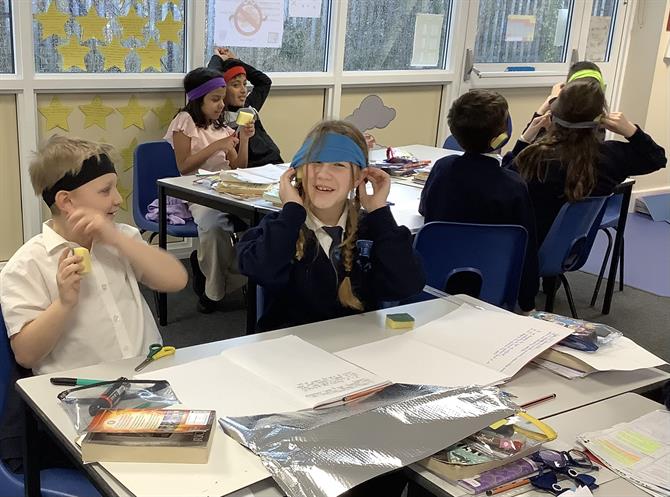
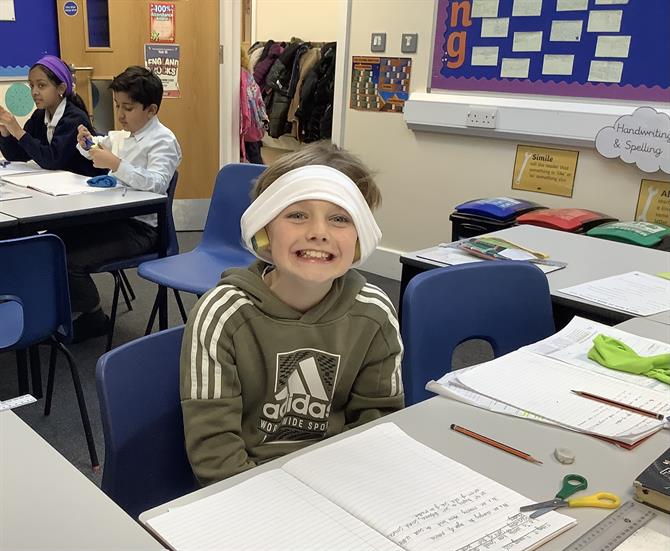
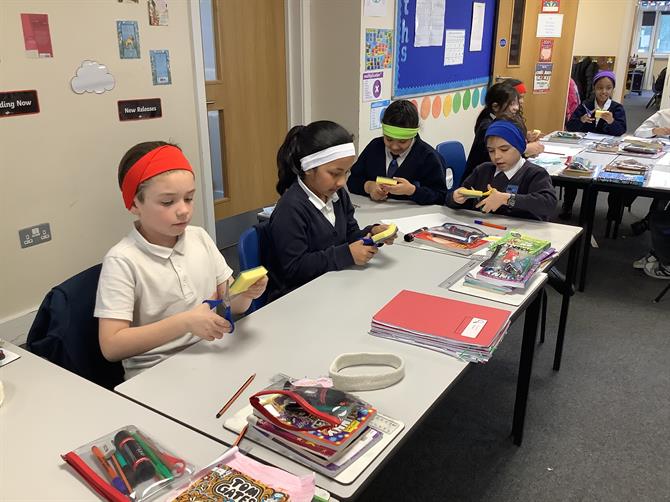
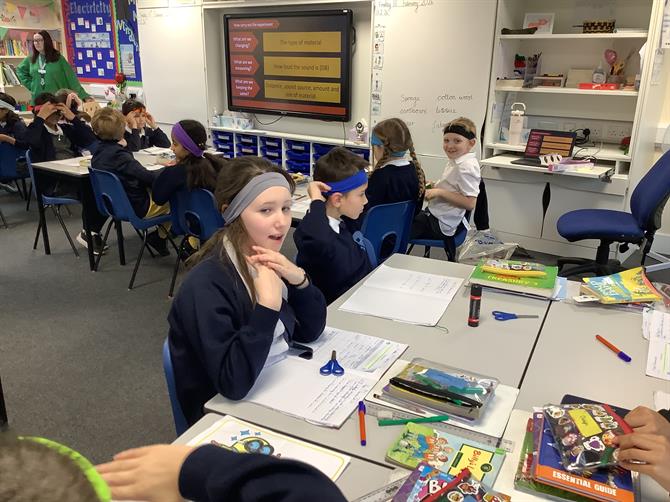
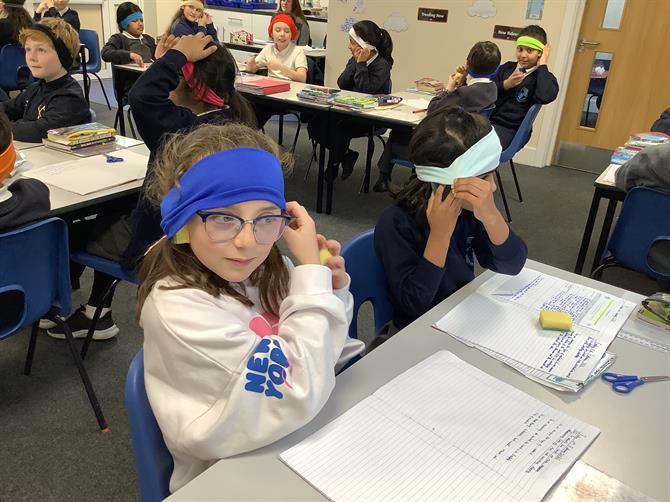
In science, we made our own ear defenders out of paper, tinfoil and sponges. We looked at what material is best to block out sounds and stop vibrations.
This week has been mental health week. We did lots of different activities to learn how to handle our emotions and different ways to express emotions. Today, we also created our own mosaic with all the different things that make us happy and we love.
We also had Internet safety week. We looked at AI chatbots in year 4. We discussed how to use it safely but also how speaking to a real person may be better sometimes.
As always please ensure your child is reading and going on TTRS 5 times a week.
Hope you have an amazing week of!