30/1/26
Miss Stevens - 30 Jan 2026
We have had a busy week in year 4!
In English, we have started our new writing topic; diary entry. We have looked at a WAGOLL of a diary entry and we are learning how to use time adverbials and past progressive tense.
In shared reading, we have carried on reading the last bear. We have worked on our prediction and retrieval skills this week.
In maths, we have started our fractions topic. We have learnt how to understand the whole, count beyond one, partition a mixed number, use a number line with mixed numbers and compare and order mixed numbers.
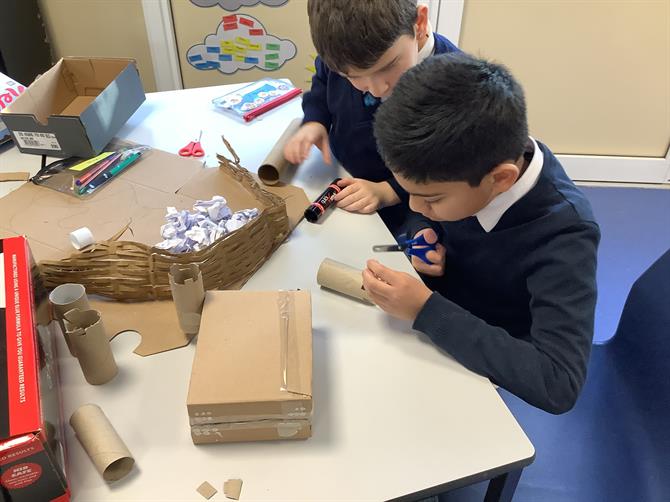
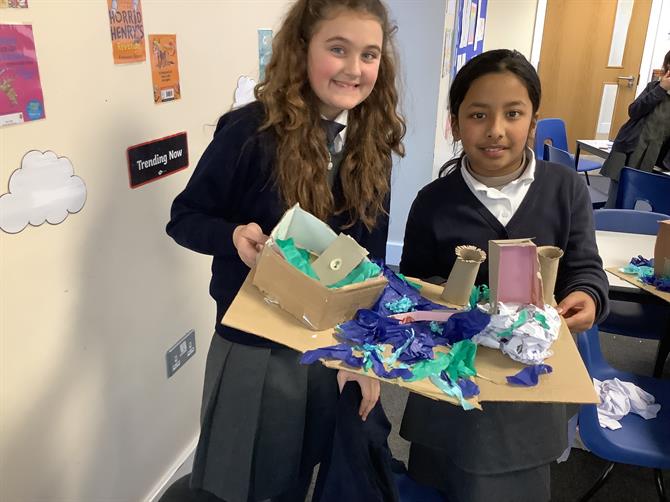
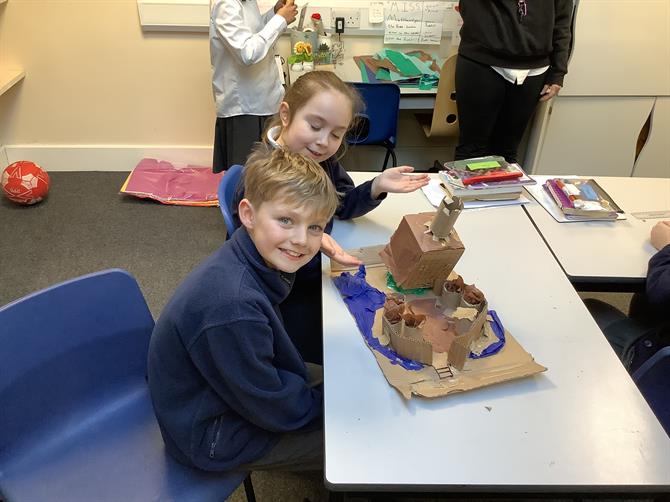
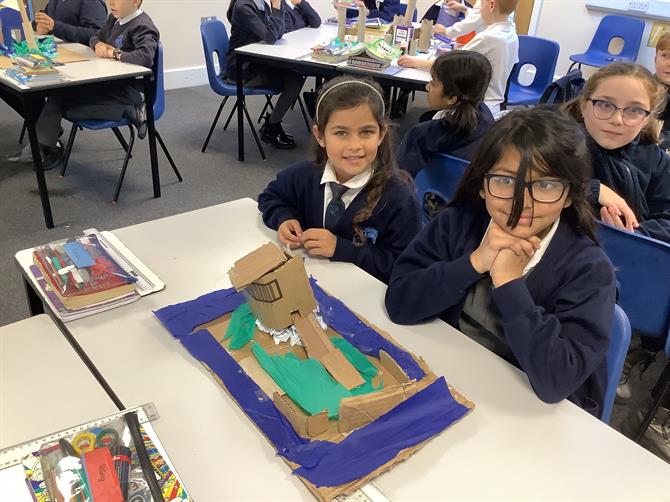
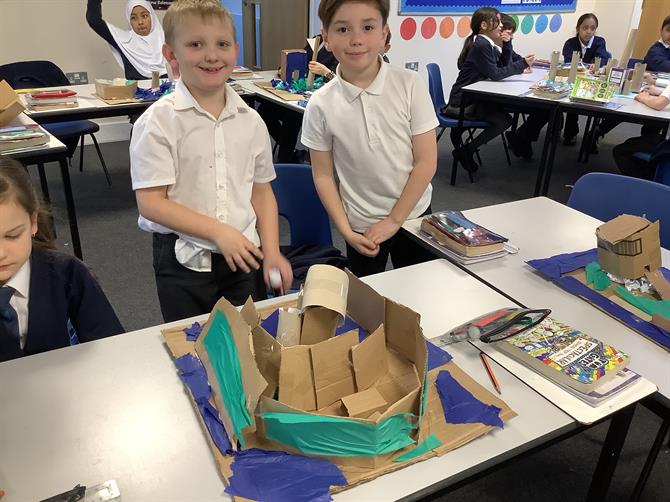
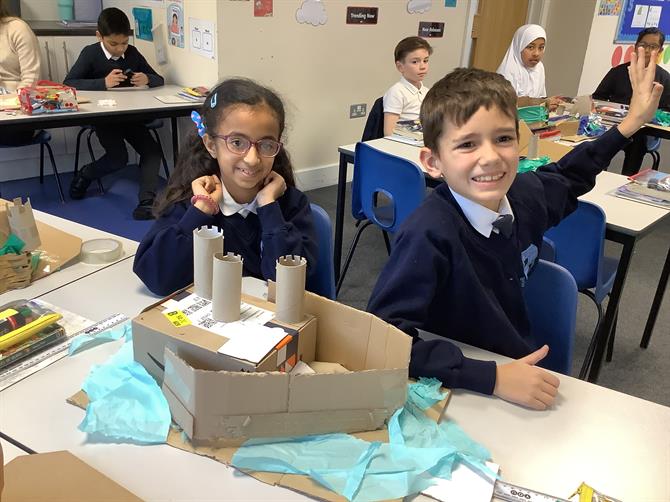
In history this week, the children have created their own motte and bailey castles out of cardboard. They have worked really hard and created some amazing castles!
In science this week, we had a fun activity learning how sound gets fainter when the distance from the sound source increases.
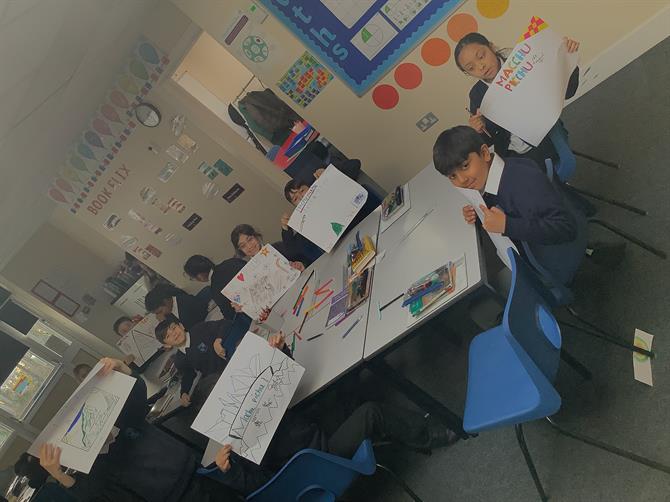
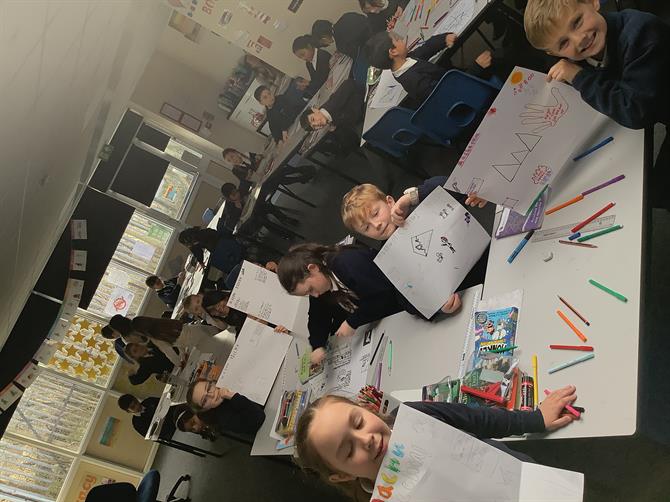
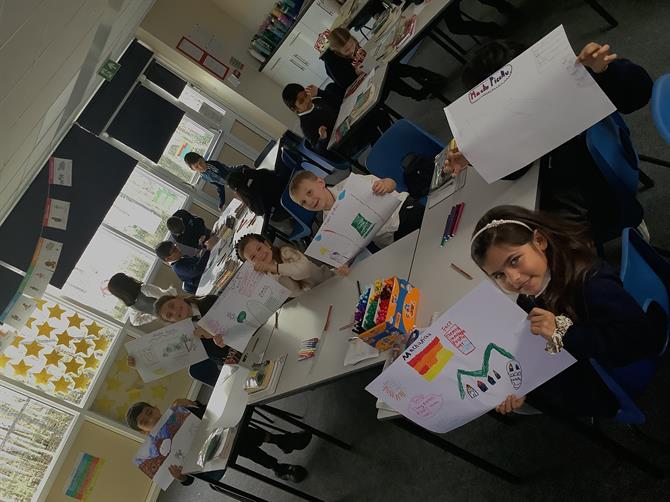
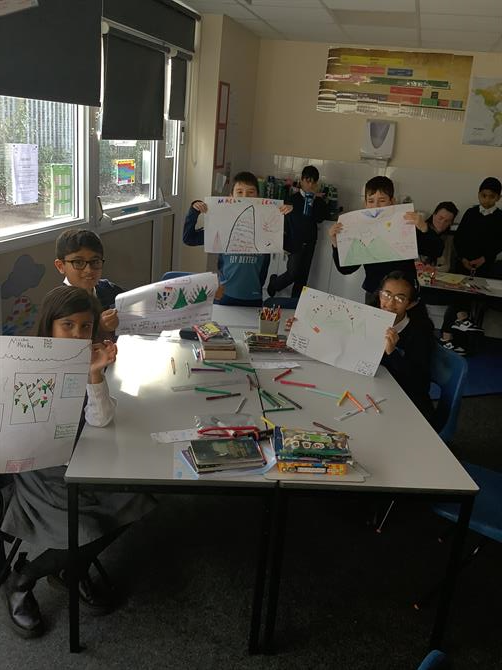
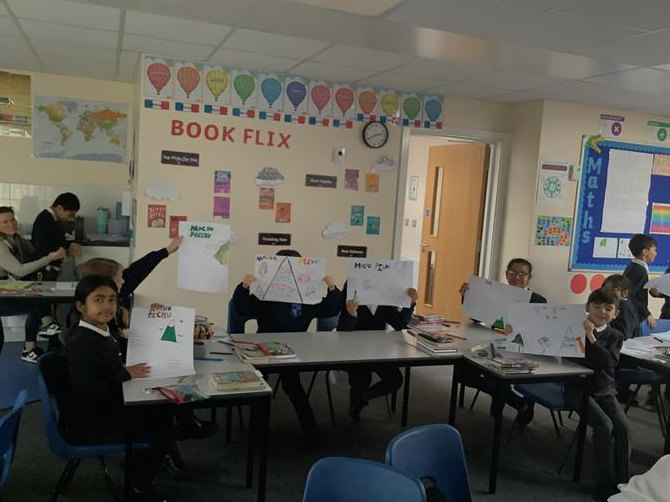
We also created some amazing posters all about Mach Picchu for our National Geographic afternoon!
As always, ensure your child is going on TTRS and reading 5 times a week.
Please find attached the spellings for this week:
-Spelling Lists-V476182654.pdf-
Just a reminder, Next Friday is pyjama day!
Enjoy your weekend!