(
LOGIN to comment on this article.
)
Summer 1 Week 1
19 Apr 2024
Welcome to a brand new term, 4S. What a great first week back it has been!
The children have settled back into routines well and worked hard this week.
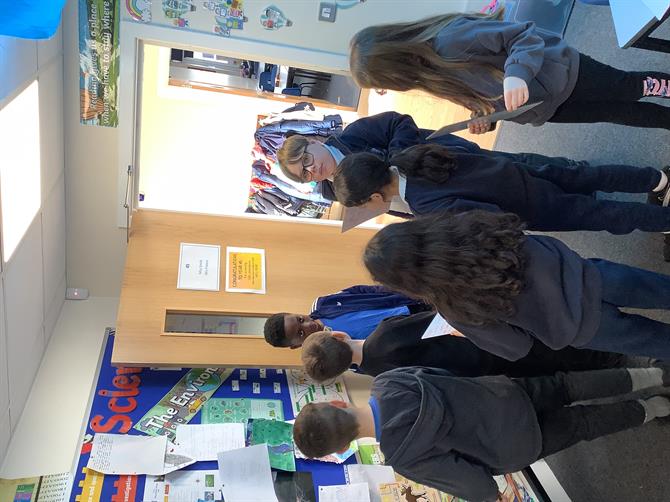
In Reading, we started our new novel: King of the Cloud Forest, by Michael Morpurgo. The children were excited to read this because Michael Morpurgo is one of our favourite authors! We started by making predictions about the book, based on the front cover and the blurb. We then worked on our vocabulary and summary skills throughout the week.
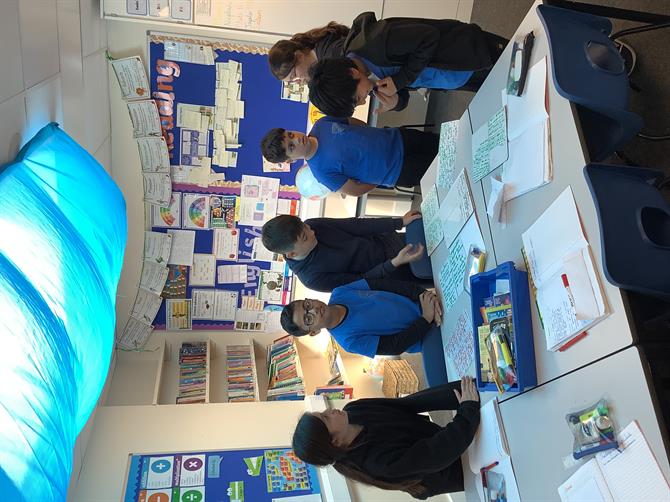
In English, we have begun our new unit, where we are preparing to write a Setting Description. This is the second SD we will have completed this year, so the children have had a confident start to the unit. We looked at a WAGOLL of a SD, and begun learning new grammatical such as figurative language and using brackets for parenthesis.
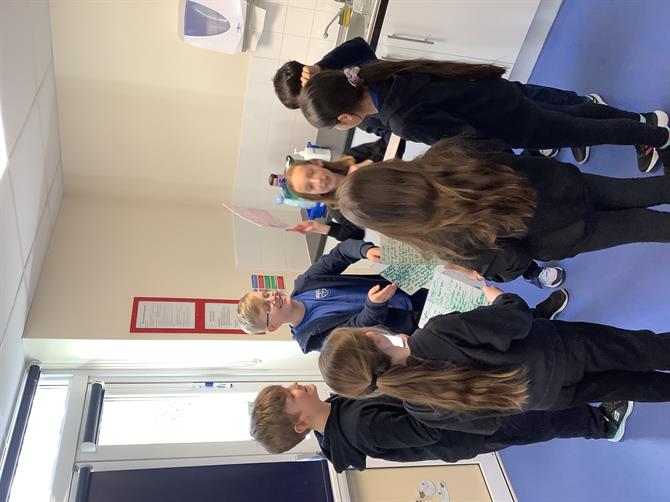
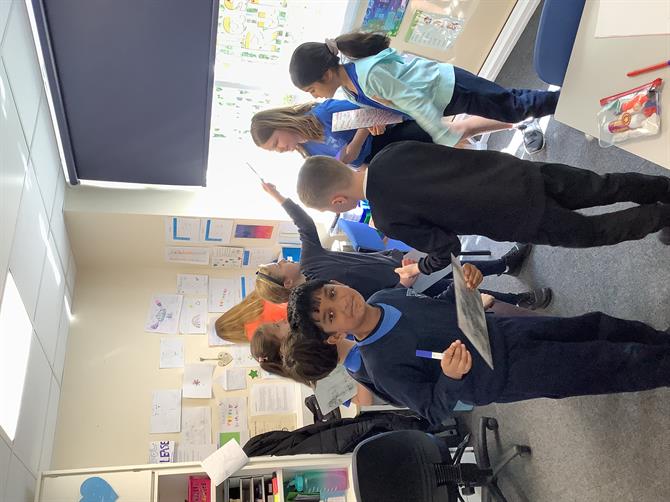
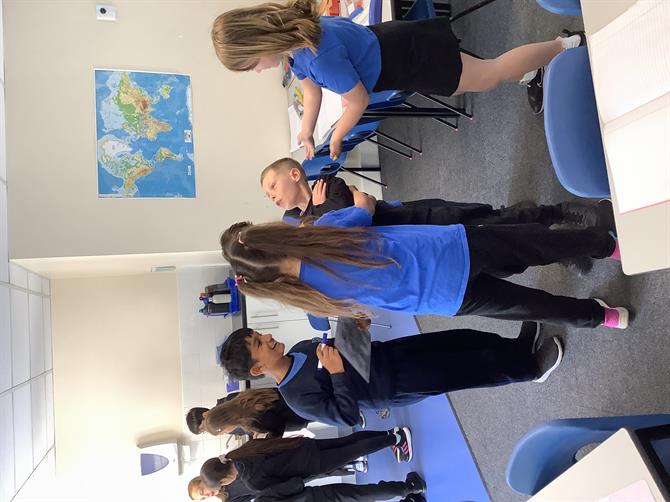
During our RE lesson, we were exploring and comparing two different initiation ceremonies. These were both Christian ceremonies: Baptism and Confirmation. We learnt about the key parts of these Sacraments, and why they are undertaken. The children then acted out the ceremonies in groups- they enjoyed dunking their classmates in the 'Holy Water'!
Happy weekend.