28.11.25
Miss Bowden - 28 Nov 2025
Well done year 3 for another great week!
In math’s this week we have been working on our multiples of 3. We have been enjoying the different ways of practicing our 3 times tables, including catchy songs! Next week we will be moving onto our multiples of 4, please keep practicing at home using TTRS for at least 5 minutes a day!
In English this week we completed our diary entries. Everyone worked super hard to make them as interesting as possible! Next week we will be moving onto persuasive writing.
This week in science we compared the skeleton of humans to the skeleton of animals! We learnt lots of new facts about the different types of skeletons, and that some animals don’t even have a skeleton!
In geography, we located the European counties on the world map! We also practiced using our atlases to find out what countries were neighbours.
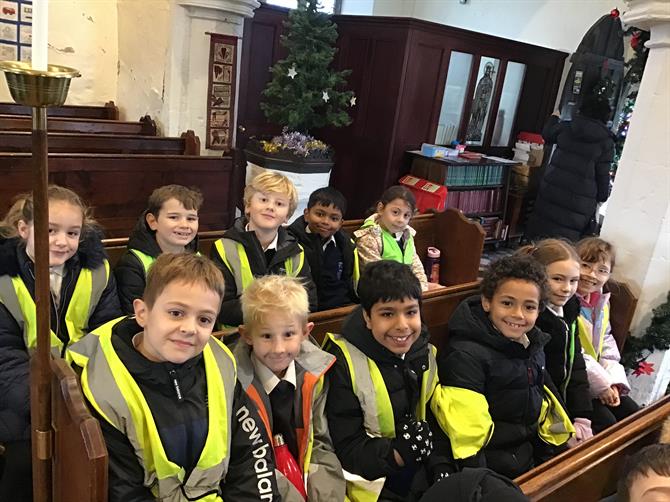
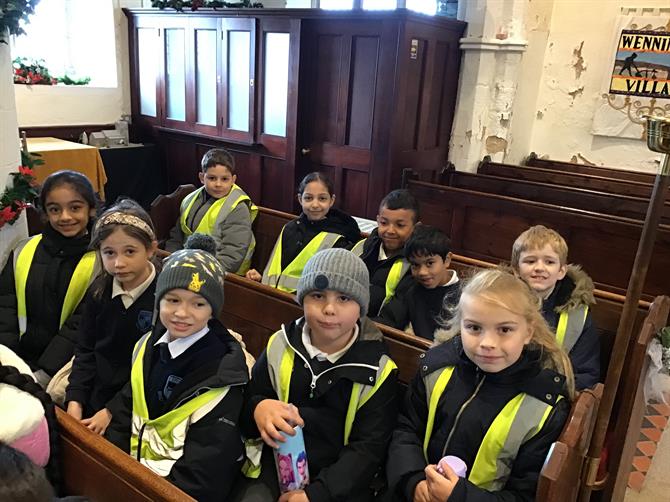
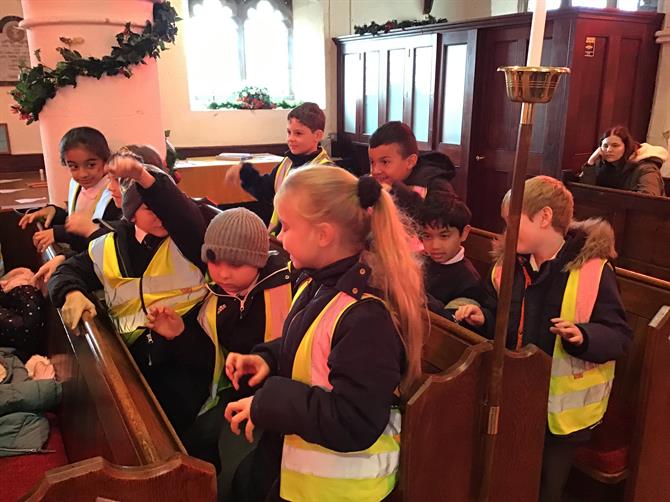
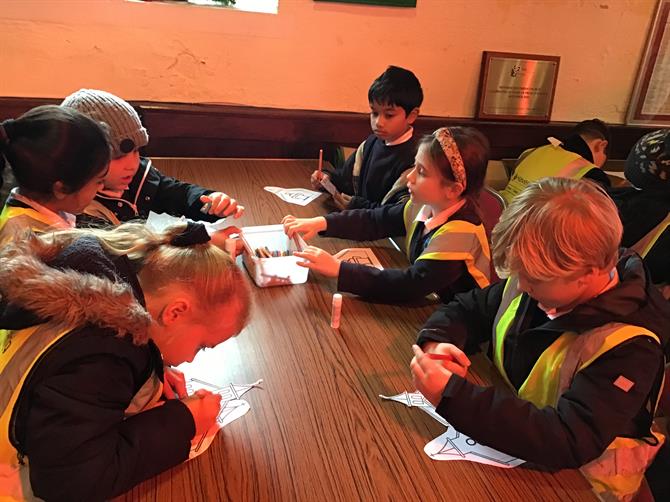
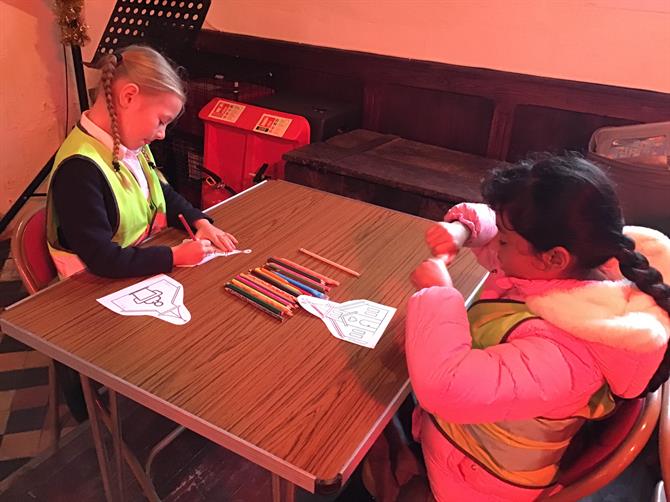
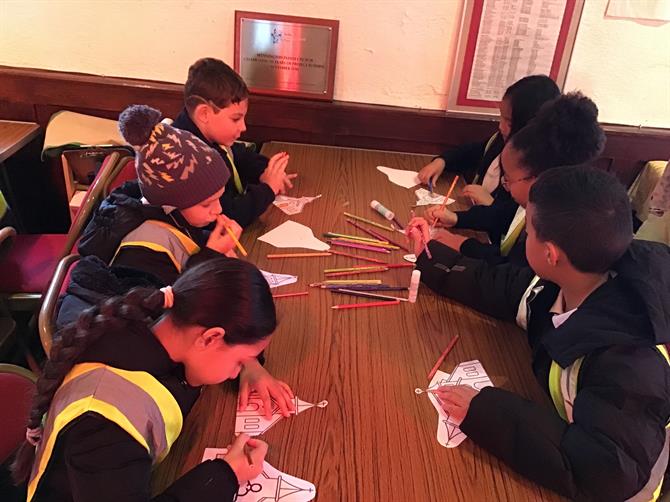
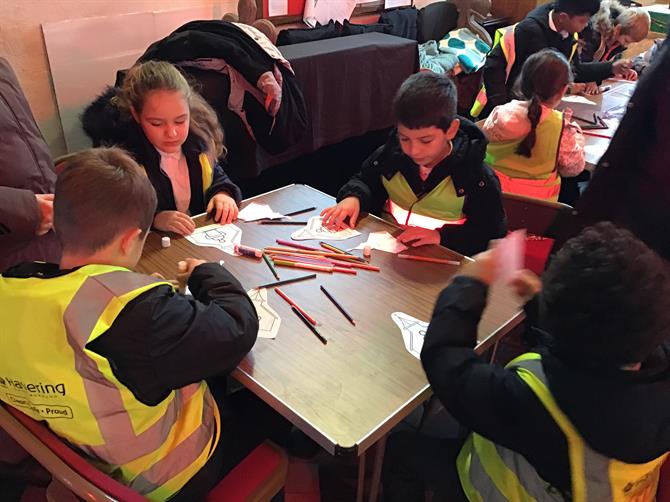
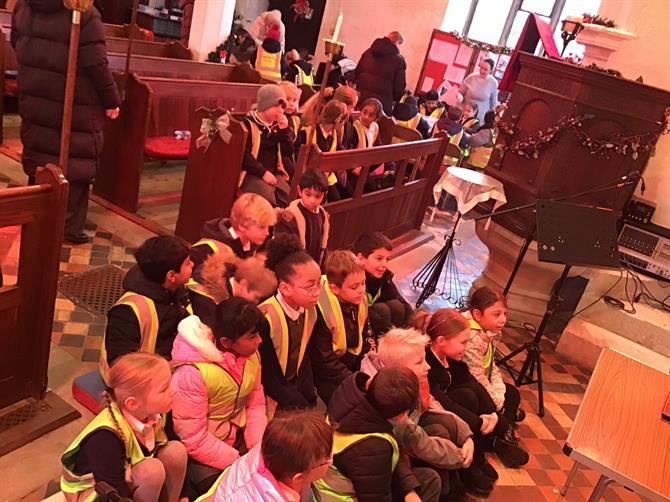
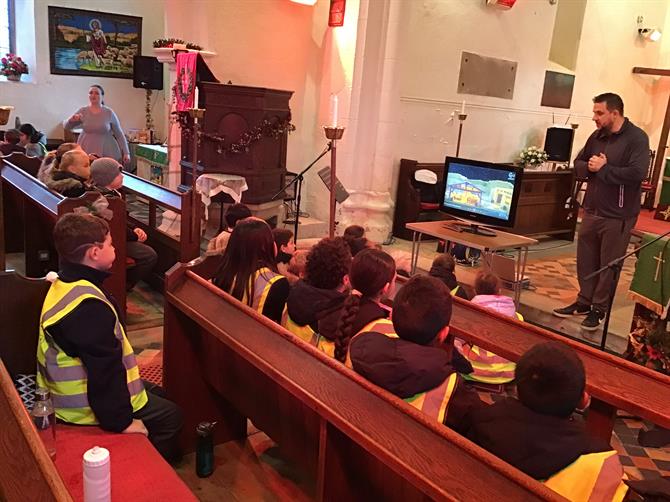
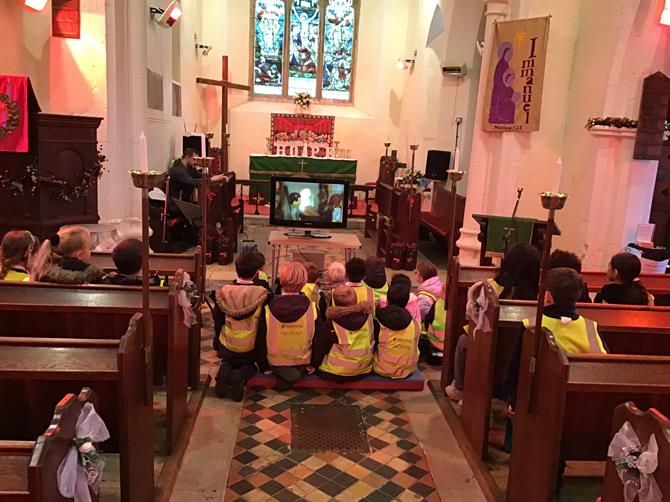
For R.E this week we had our amazing trip to Wennington Church where we learned the ways in which Christian’s worship. We got to do fun activities such as colouring, games and watching the nativity story! The whole of year 3 behaved fantastic and represented our school very well.
As always, please continue to read 5 times a week and play on TTRS for a minimum of 5 minutes a day!
Have a wonderful weekend!
-Spelling Lists-V470495417.pdf-