21.11.25
Miss Bowden - 21 Nov 2025
Well done year 3 for another great week!
We have been working hard, as always, in maths this week as we moved into our multiplication unit! We have been looking at multiples of 2, 5 and 10. The best way to support with this unit at home is to be on Timestable Rockstars as much as possible on ‘Garage’ mode for at least 5 minutes every day!
In English this week, we are starting our work on diary entries as well as working on our skills of pro nouns and past perfect tense. Next week we will be writing our own diary entry!
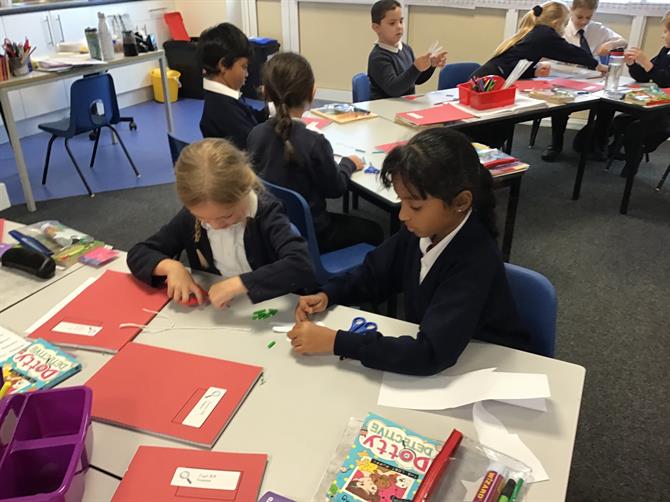
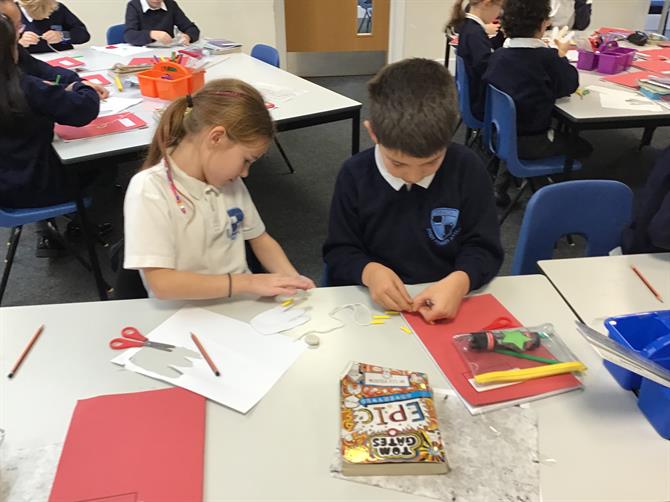
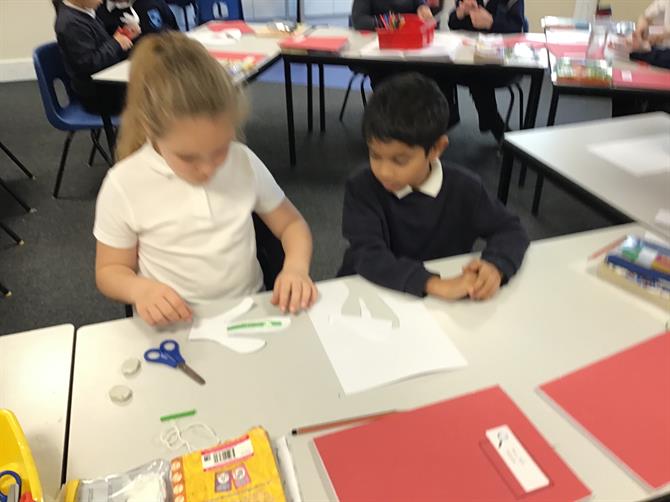
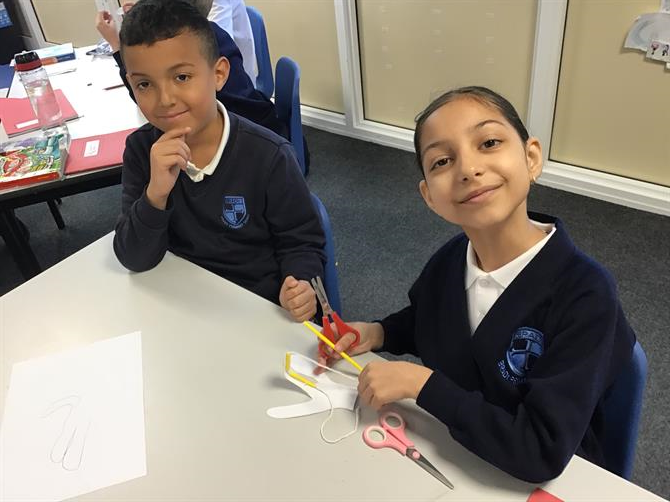
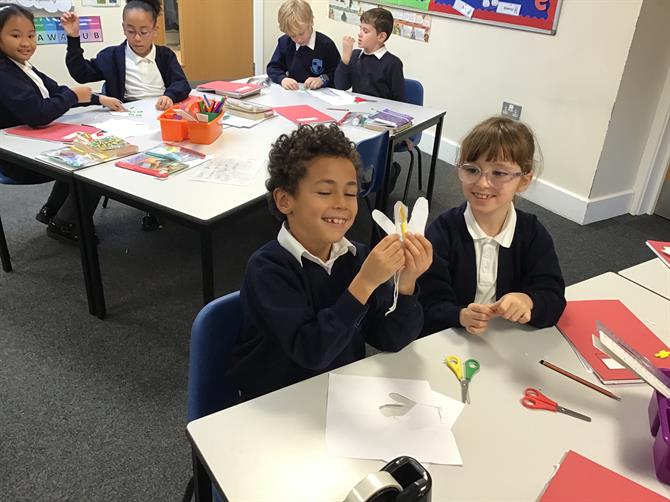
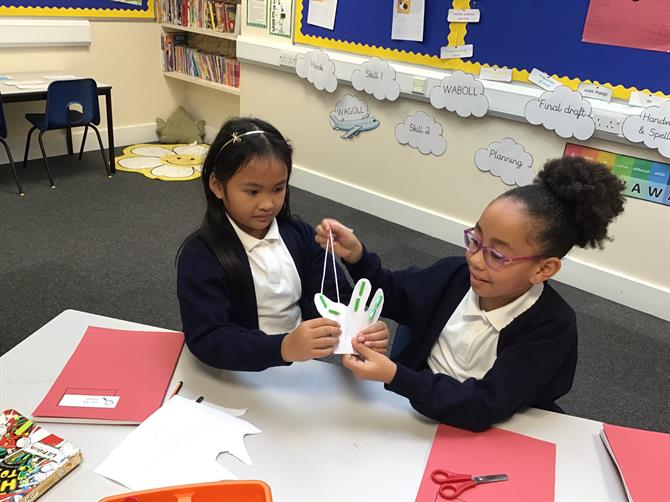
In science, we had so much fun making our own bionic hands! We used straws for the bones, paper for the skin and string for the tendons. Through doing this, we were able to see how the bones and tendons create movement!
In geography, we have been locating significant places on a map, using latitude and longitude. We located many different countries such as England, Egypt, India, Argentina, Malaysia and Mexico!
We have started our R.E topic this week; looking at how and why people worship. We made a mind map of all the things that are worthy to us and explained why they hold such importance.
As always, please continue to read 5 times a week and play on TTRS for a minimum of 5 minutes a day!
Have a wonderful weekend!
-Spelling Lists-V469889989.pdf-