07.11.25
Miss Bowden - 07 Nov 2025
Well done for making it through the first week back year 3!
This week in English we have been looking at Kenning poetry. We have had a lot of fun writing our own Kenning’s about our made-up monsters and even performed them to the class!
In maths we have been working on both our subtracting and exchanging skills. We have been subtracting 2-digit numbers across our tens and hundreds.
In science this week, we have moved into our new topic of ‘Animals including humans’. We have been looking at the muscles and organs within our body and even labelled all the bones on a skeleton!
This week we started our geography topic ‘One planet, our world’. We worked in small groups looking at a map, figuring out the four-figure grid reference for some of the landmarks we could see!
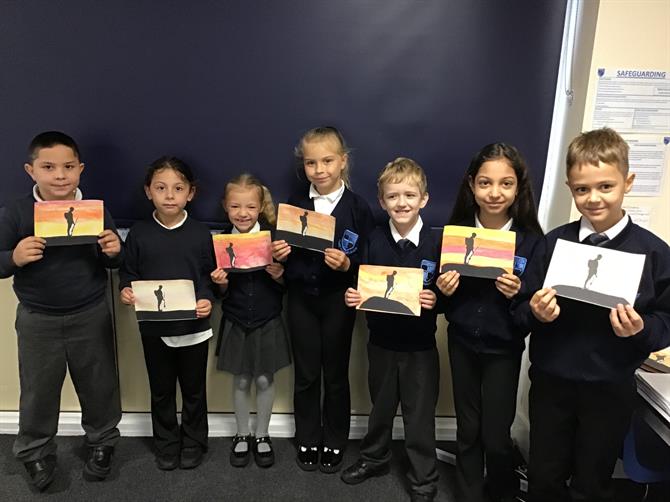
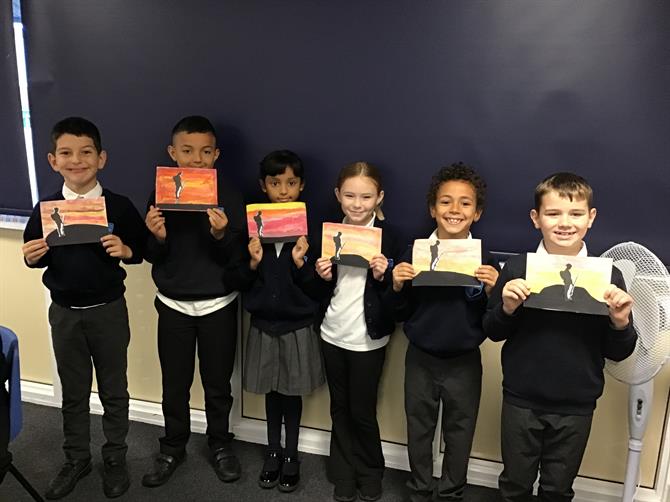
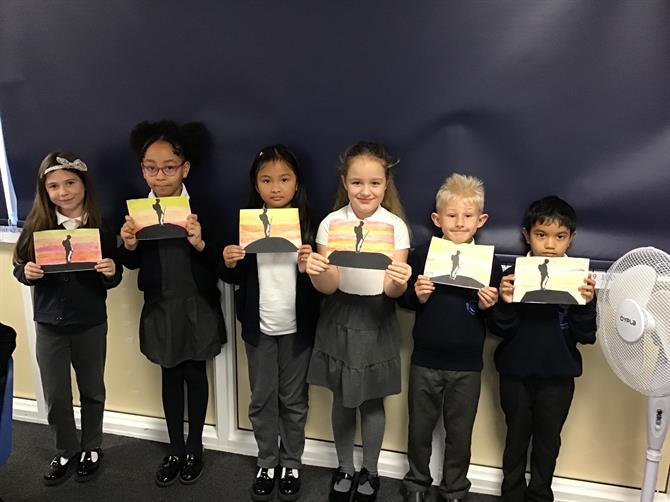
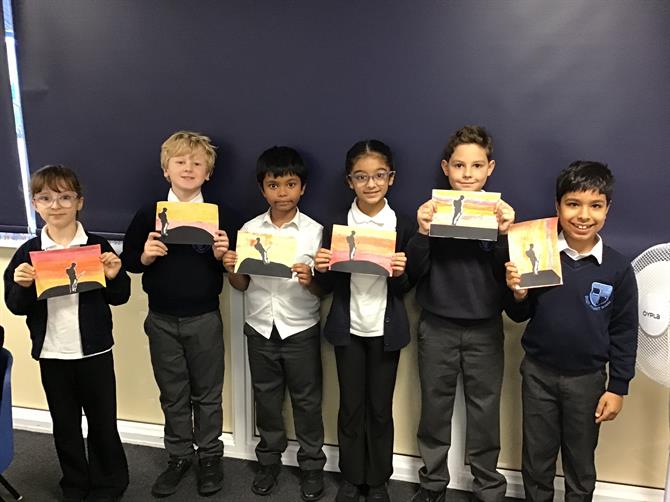
For Remembrance Day, we all made a beautiful silhouette picture of a solider standing on a hill with a sunset background. The children really enjoyed learning about the history of Remembrance Day and creating their art to be displayed in the school hall!
P.E. will be on Monday this week due to inset day on Wednesday.
New spellings have been sent home today for next week.
-Spelling Lists-V468687384.pdf-