Reception S - Miss Skelton Class News

Class News
Latest articles
Spring 1 Week 1Miss Skelton and Miss Booth09 Jan 2026 Autumn 2 Week 7Miss Skelton19 Dec 2025 Autumn 2 week 6Miss Skelton and Miss Booth12 Dec 2025 Reception Autumn 2 Week 5Miss Skelton and Miss Booth05 Dec 2025 Reception Autumn 2 Week 4Miss Skelton and Miss Booth28 Nov 2025 Reception Autumn Week 3Miss Booth Miss Skelton21 Nov 2025 Reception Autumn 2 Week 2Miss Booth Miss Skelton14 Nov 2025 Reception Autumn 2 Week 1Miss Skelton and Miss Booth07 Nov 2025 Reception Autumn 1 Week 8Miss Booth and Miss Skelton24 Oct 2025 Autumn 1 Week 7Miss Booth Miss Skelton17 Oct 2025 Reception Autumn 1 Week 6Miss Booth10 Oct 2025 Reception Autumn 1 Week 5Miss Booth and Miss Skelton03 Oct 2025 Reception Autumn 1 Week 4The Reception Team26 Sep 2025 Reception Autumn 1 Week 3Miss Booth and Miss Skelton20 Sep 2025 Reception Autumn 1 Week 2Miss Booth and Miss Skelton12 Sep 2025
Archive
Articles 2024-25 Articles 2023-24 Articles 2022-23 Articles 2021-22

Reception Autumn 1 Week 3

Miss Booth and Miss Skelton - 20 Sep 2025

Well done for another great week Reception!
 
We’ve had such an amazing week! All pupils have settled in really well and have become familiar with school and classroom routines.

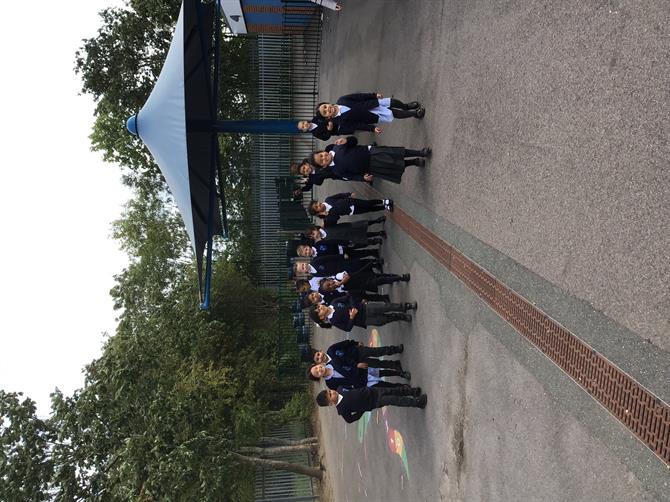
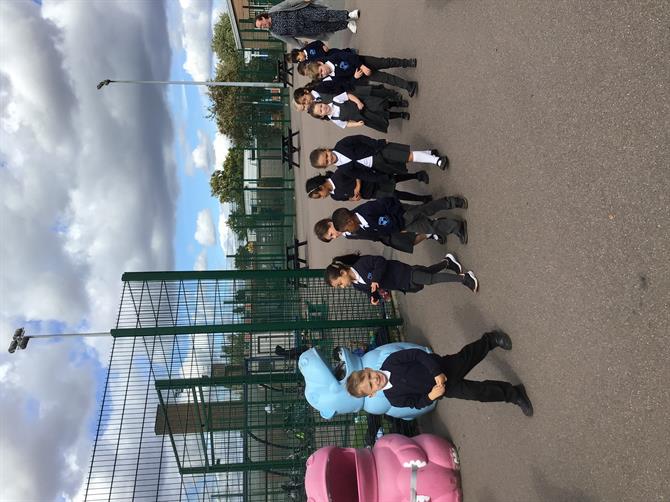
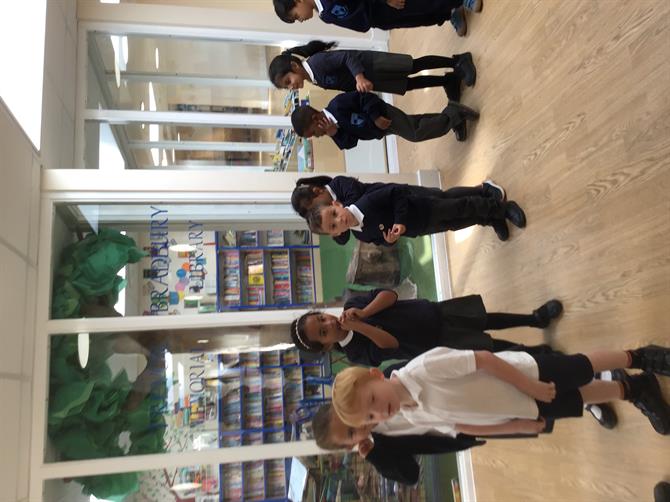
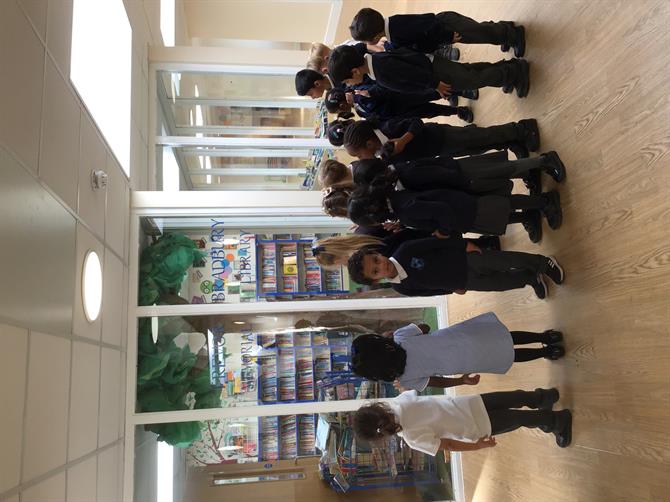
This week we have been busy exploring the garden, playing together and having a very special walk around the school. The pupils met many new adults and enjoyed seeing different parts of the school including the library, the classrooms and Mr Nunn’s office.

The pupils had a fun week talking about their family and who lives in their home. Pupils created their own house and drew their family members which everyone loved doing!

We have had an exciting week learning about 2D- shapes and their names. Pupils used the 2D-shapes to create a rocket ship. Next week we will be matching shapes using buttons.


Please wait

Wennington Road
Rainham
Essex
RM13 9XA
Great Britain
Copyright © 2026   Brady Primary School
Website Design & Development for Schools By VisioSoft   |   T&C
User Guide   1214  


Selct an hour and a minute and then click on Set Time

Selected Time:  _:_

Hours
Minutes
 
Set Time
CLOSE