Reception S - Miss Skelton Class News

Class News
Latest articles
Spring 1 Week 1Miss Skelton and Miss Booth09 Jan 2026 Autumn 2 Week 7Miss Skelton19 Dec 2025 Autumn 2 week 6Miss Skelton and Miss Booth12 Dec 2025 Reception Autumn 2 Week 5Miss Skelton and Miss Booth05 Dec 2025 Reception Autumn 2 Week 4Miss Skelton and Miss Booth28 Nov 2025 Reception Autumn Week 3Miss Booth Miss Skelton21 Nov 2025 Reception Autumn 2 Week 2Miss Booth Miss Skelton14 Nov 2025 Reception Autumn 2 Week 1Miss Skelton and Miss Booth07 Nov 2025 Reception Autumn 1 Week 8Miss Booth and Miss Skelton24 Oct 2025 Autumn 1 Week 7Miss Booth Miss Skelton17 Oct 2025 Reception Autumn 1 Week 6Miss Booth10 Oct 2025 Reception Autumn 1 Week 5Miss Booth and Miss Skelton03 Oct 2025 Reception Autumn 1 Week 4The Reception Team26 Sep 2025 Reception Autumn 1 Week 3Miss Booth and Miss Skelton20 Sep 2025 Reception Autumn 1 Week 2Miss Booth and Miss Skelton12 Sep 2025
Archive
Articles 2024-25 Articles 2023-24 Articles 2022-23 Articles 2021-22

Reception Spring 1 Week 1

Miss Skelton - 08 Jan 2025

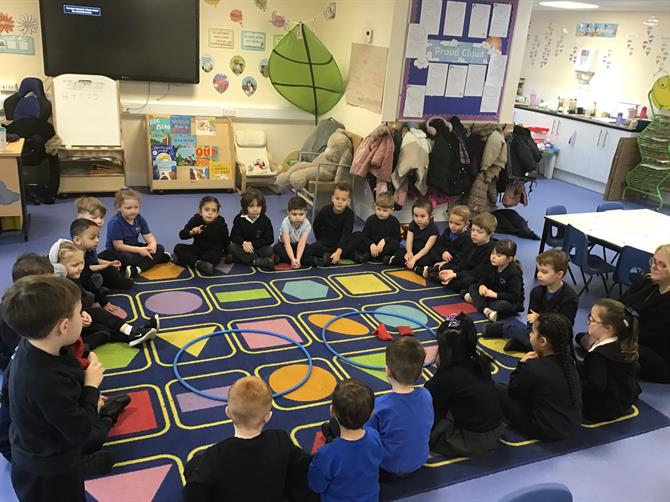
Welcome back and Happy New Year! We hope you all had a lovely Christmas break. We have enjoyed hearing all about what the children did during the school holidays! Over the next fortnight we are focusing on a text called "Journey". The children have enjoyed discussing what they think the story could be about and have loved using their imagination. 

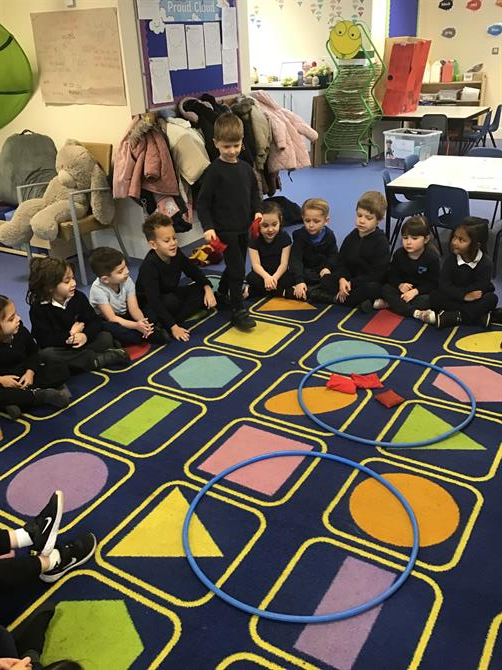
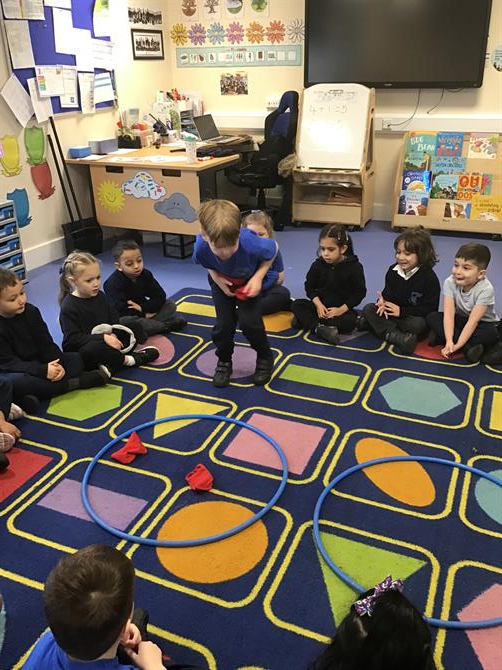
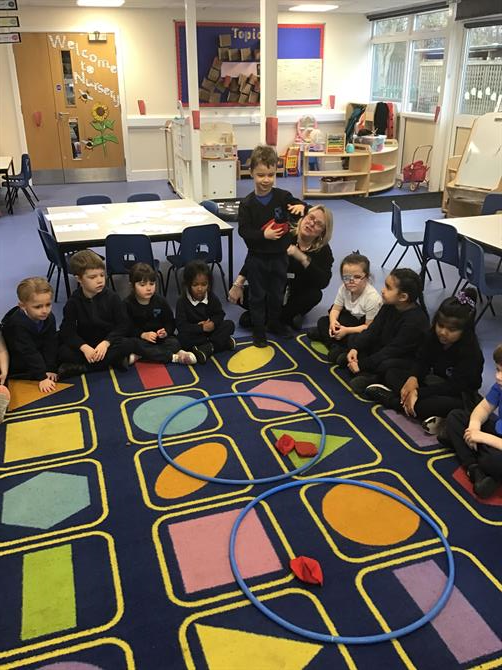
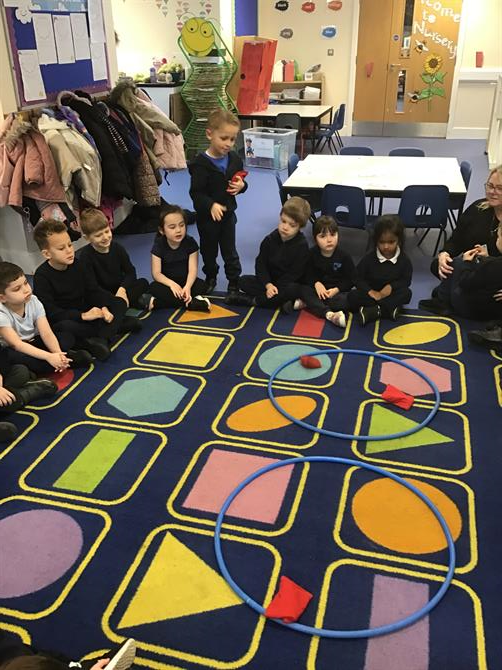
In maths, we have been exploring one less and the composition of 5. We have also been focusing on equal and unequal groups and learning how to identify these. 

Our phonics groups have changed again this half term; please look out for new reading books in your child's book bags and ensure you are recording these reads in their reading records. library books and books from home do not count towards the children's reading rewards. 

The Reception Team x


Please wait

Wennington Road
Rainham
Essex
RM13 9XA
Great Britain
Copyright © 2026   Brady Primary School
Website Design & Development for Schools By VisioSoft   |   T&C
User Guide   3594  


Selct an hour and a minute and then click on Set Time

Selected Time:  _:_

Hours
Minutes
 
Set Time
CLOSE